
You don't need a Mac that can run local AI models
Buy a Mac for parallel agentic work, not to replace cheap cloud AI with one compromised local model.
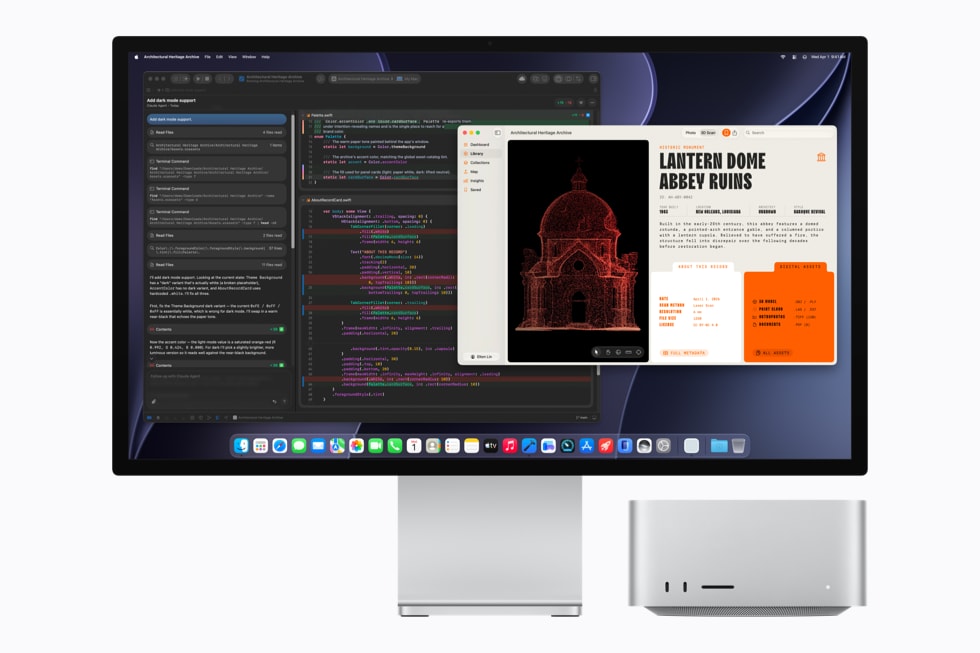
So you want to buy a new Mac to run local AI models because you want to own your stack, right?
That is what I thought too.
Then I priced it out, checked what actually fits, and decided it is not worth it.
tl;dr. If you intend to ship anything decent in 2027, a local model will not replace your highly subsidized AI subscriptions. Buy a computer that lets your agents work in parallel. Let somebody else’s data center run the inference.
Get a fast multicore CPU and up to 64 GB of memory. If you want the breakdown, read further.
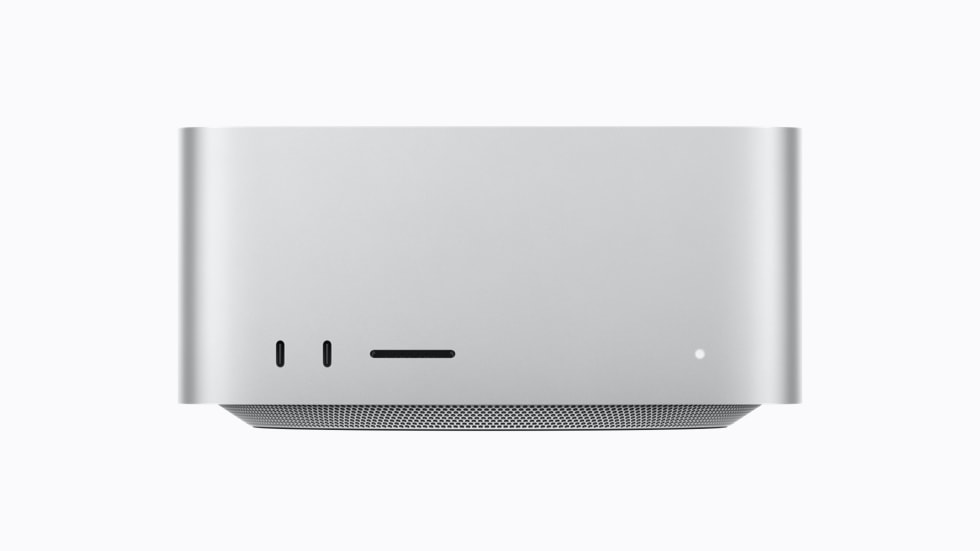
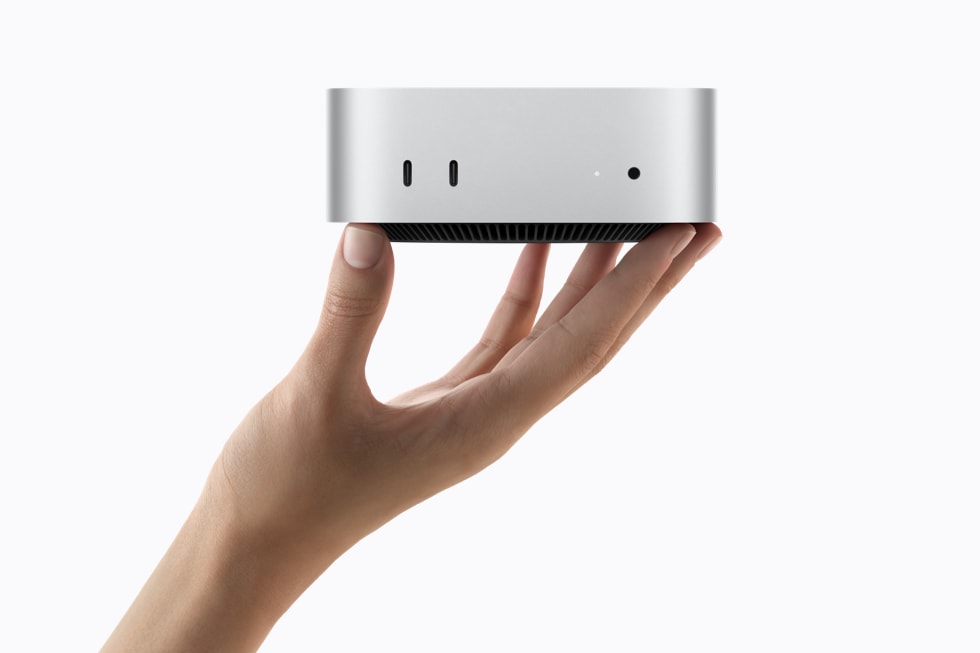
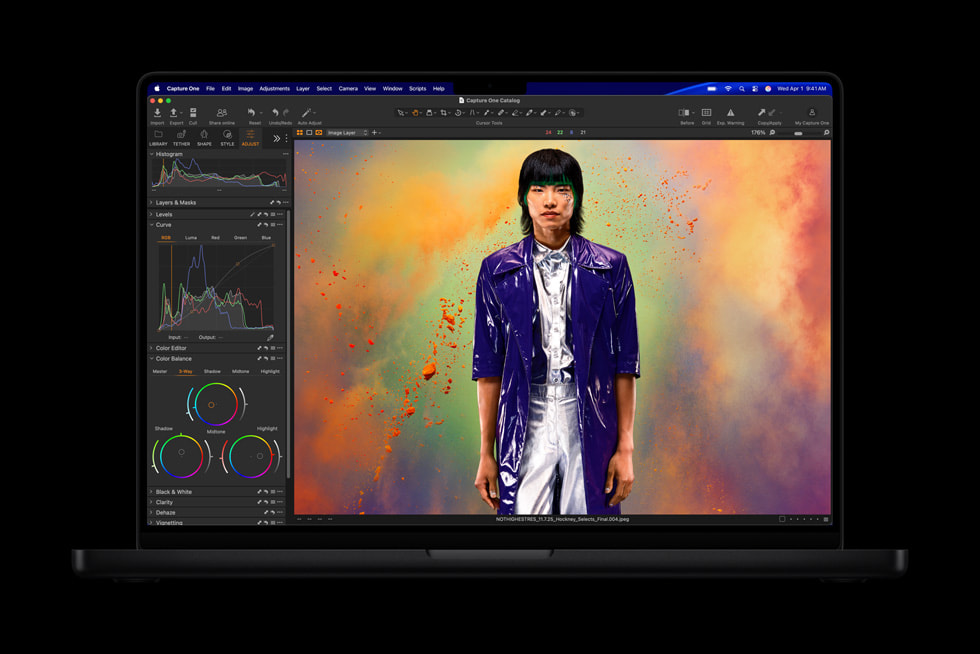
What I was trying to buy
I am replacing a MacBook Pro with M1 Pro and 16 GB of memory. It still works, so I will keep it as a mobile and backup machine.
That removes portability from the decision. I need a desktop that can run several coding agents, Xcode, simulators, browsers and the usual pile of development tools without turning memory pressure red.
I compared four configurations in the German Apple Store.
My Apple Germany shortlist
Configured prices on 25 August 2026
These are the machines I actually compared, including my storage and display choices.
The MacBook Pro includes 2 TB storage and nano-texture glass. The other machines use 1 TB. The Mac mini also includes 10 Gigabit Ethernet.
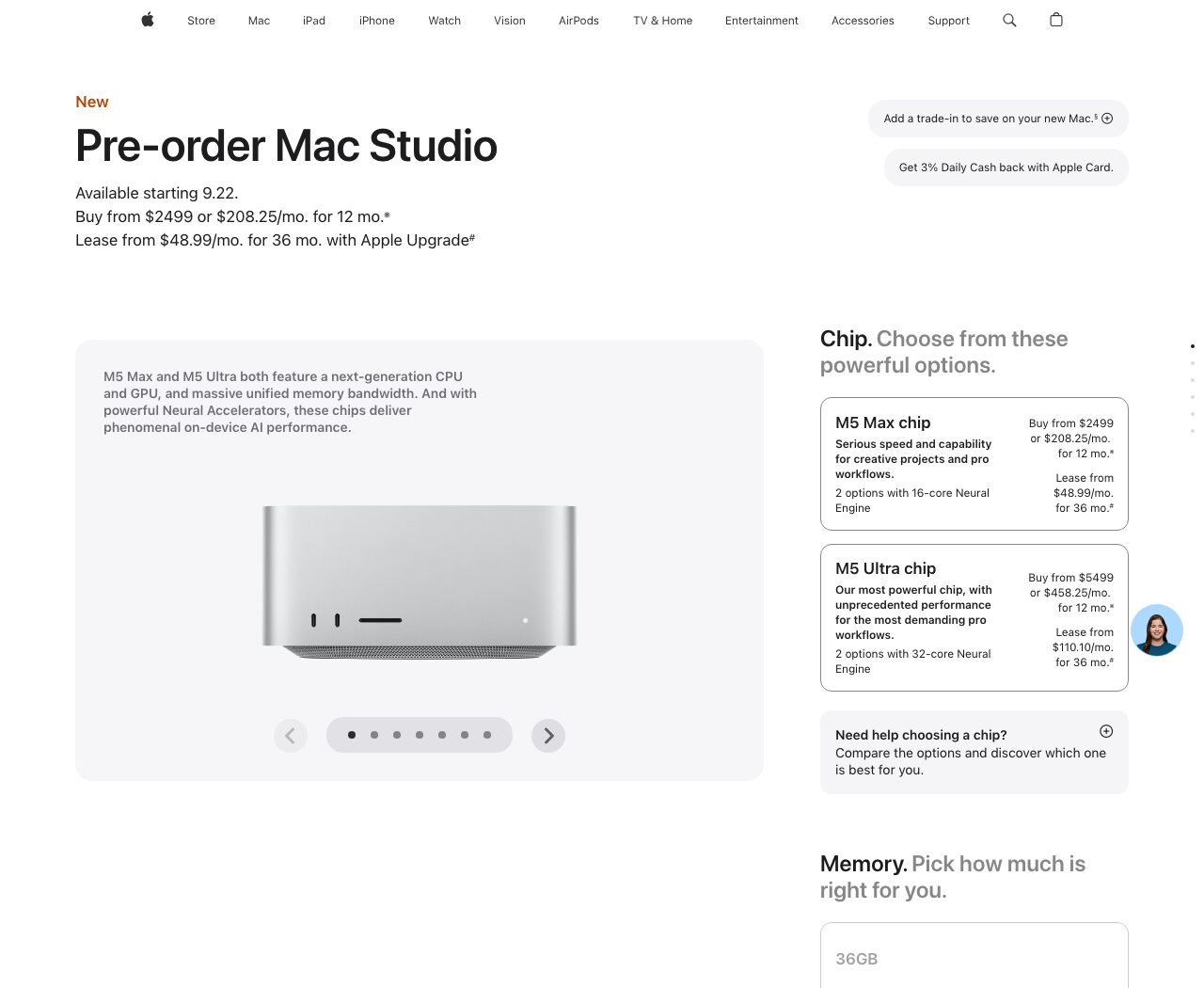
Apple’s English Mac Studio configurator on 25 August 2026.
The MacBook Pro is the easy one to eliminate. It costs €1,635 more than the 64 GB Mac Studio in my configuration. That premium buys a screen, keyboard and battery I already own.
Compare the configurations
The interactive view scores the current Mac mini and Mac Studio configurations for parallel agents, simulators, graphics work and price. Change the storage or switch between value and raw capability.
Mac mini or Mac Studio
For pure agentic software work, buy the Mac mini with M5 Pro and 64 GB. It has the same 18-core CPU as the M5 Max. Cloud agents do not care how many GPU cores sit under your desk.
The Mac Studio costs another €670. It doubles the GPU from 20 to 40 cores and memory bandwidth from 307 GB/s to 614 GB/s. That is a good deal if you also work in 3D, render video, generate images locally or want to play games. Otherwise, keep the €670.
I would buy the Mac Studio. My work includes 3D and graphics, and at this price the GPU upgrade is useful enough. Most developers should buy the mini.
Why I stopped at 64 GB
Apple announced the M5 Max Mac Studio today with a pitch built around local AI. The machine supports 128 GB of unified memory. My 128 GB configuration costs about €6,200, which is €1,771 more than the 64 GB version.
That sounds tempting until you look at what the extra memory changes.
What the memory upgrade unlocks
The interesting 128 GB model barely fits
File size only. The operating system, context cache and development tools need memory too.
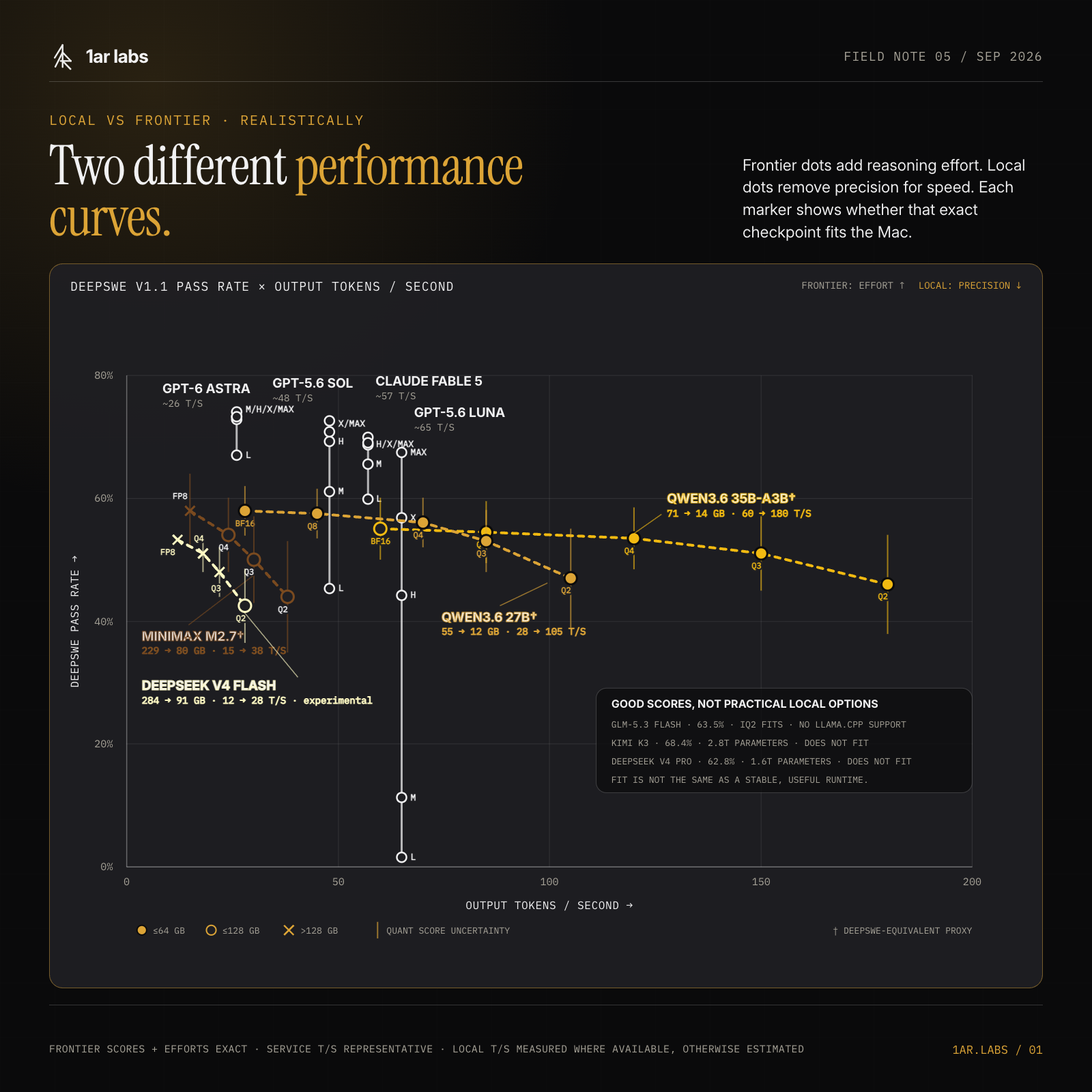
Frontier dots connect reasoning efforts. Local dots connect quantization levels. Filled points fit within 64 GB, hollow points need up to 128 GB, and crossed points exceed it. Quantized DeepSWE scores are estimates with vertical uncertainty.
Open full size
A good 27B model already runs on the 64 GB machine with plenty of room left. Models in this class are useful, fast and cheap to rent from an API.
The model that makes 128 GB interesting is MiniMax M2.7. It has 229 billion total parameters. A 104 GB Q3 quant fits, just. The person publishing that quant labels it “low quality.” Once it is loaded, macOS, the context cache, Xcode, browsers and your project fight over what remains.
Now try running several agents.
You bought an expensive workstation and turned it into a server for one compressed model. You still need your cloud subscriptions for the hard tasks. Nothing was replaced.
This will change. It has not changed enough yet.
When 128 GB does make sense
Buy it if you develop local inference software, work with data that cannot leave the machine, need offline operation or simply enjoy testing models.
Those are real reasons. Saving money on AI subscriptions is not one of them.
Storage is easier
Buy 1 TB internally and use fast external storage for models, archives and old projects. Internal storage is nicer. It is not nice enough to justify Apple’s upgrade prices when Thunderbolt 5 is sitting on the back.
My short buying guide
- Buy the MacBook Pro if this must be your only computer and you travel with it.
- Buy the Mac mini M5 Pro with 64 GB for software development and cloud agents.
- Buy the Mac Studio M5 Max with 64 GB if you also need the GPU.
- Buy 128 GB only when local inference is part of the work itself.
My pick is the Mac Studio with M5 Max, 64 GB of memory and 1 TB of storage. The old MacBook stays in the bag.
Bonus: gaming on the M5 Max Mac Studio
The new Studio was announced today, so nobody independent has benchmarked the shipping machine yet. The 40-core M5 Max has been tested inside the MacBook Pro. The Studio has the same GPU and a larger cooling system, so these numbers are a reasonable floor, not a Studio benchmark.
M5 Max 40-core GPU
What recent Mac game tests suggest
MacBook Pro measurements. The new Mac Studio uses the same chip and should sustain at least similar performance, but independent Studio tests do not exist yet.
| Game | Resolution | Settings | Average |
|---|---|---|---|
| Cyberpunk 2077 | 1920 x 1080 | Ultra, FSR off | 91 fps |
| Cyberpunk 2077 | 2560 x 1440 | Ultra, FSR off | 55 fps |
| Cyberpunk 2077 | 1920 x 1200 | Ray tracing ultra | 31 fps |
| Baldur's Gate 3 | 1920 x 1080 | Ultra | 122 fps |
| Baldur's Gate 3 | 2560 x 1440 | Ultra | 83 fps |
| Assassin's Creed Shadows | 1920 x 1080 | Ultra high | 41 fps |
| Assassin's Creed Shadows | 2560 x 1440 | Ultra high | 35 fps |
| inZOI | 1920 x 1200 | High, MetalFX off | 40 to 50 fps |
The hardware is fine. The catalogue remains the problem. Native Mac games such as Cyberpunk 2077 and Baldur’s Gate 3 run well. Windows-only games still depend on CrossOver, translation layers and luck.
Do not buy this instead of a gaming PC. Enjoy the games that run on the work computer you wanted anyway.
Sources
- Apple’s M5 Max Mac Studio announcement
- Apple’s M5 Pro Mac mini announcement
- Qwen3.6 27B model card
- Qwen3.6 27B GGUF sizes
- MiniMax M2.7 model card
- MiniMax M2.7 GGUF sizes
- DeepSWE v1.1 results
- M5 Max local-model measurements
- Quantization quality comparison
- Interactive Mac configuration comparison
- M5 Max gaming tests by Notebookcheck
- M5 Max gaming tests by Tom’s Hardware