
Add from Photos, Files, or Share Sheet
Bring in one video or several. The Share Extension can hand larger jobs to the main app without making you start again.
Cinder is a no-BS video compressor for iPhone and iPad. Pick a video, choose how small, and let Cinder do the work on your device.
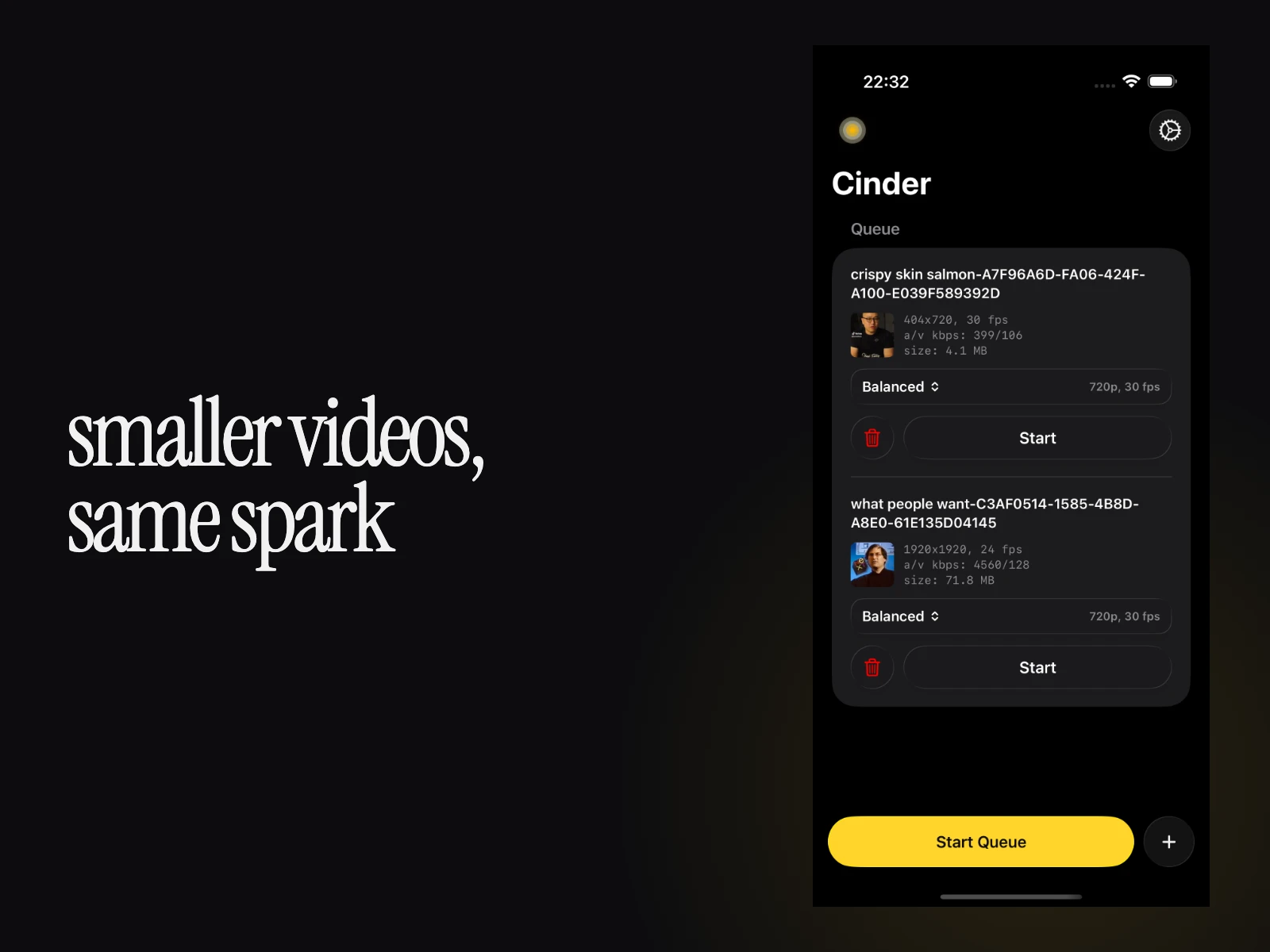
Your videos are not uploaded to Cinder-operated servers for processing.
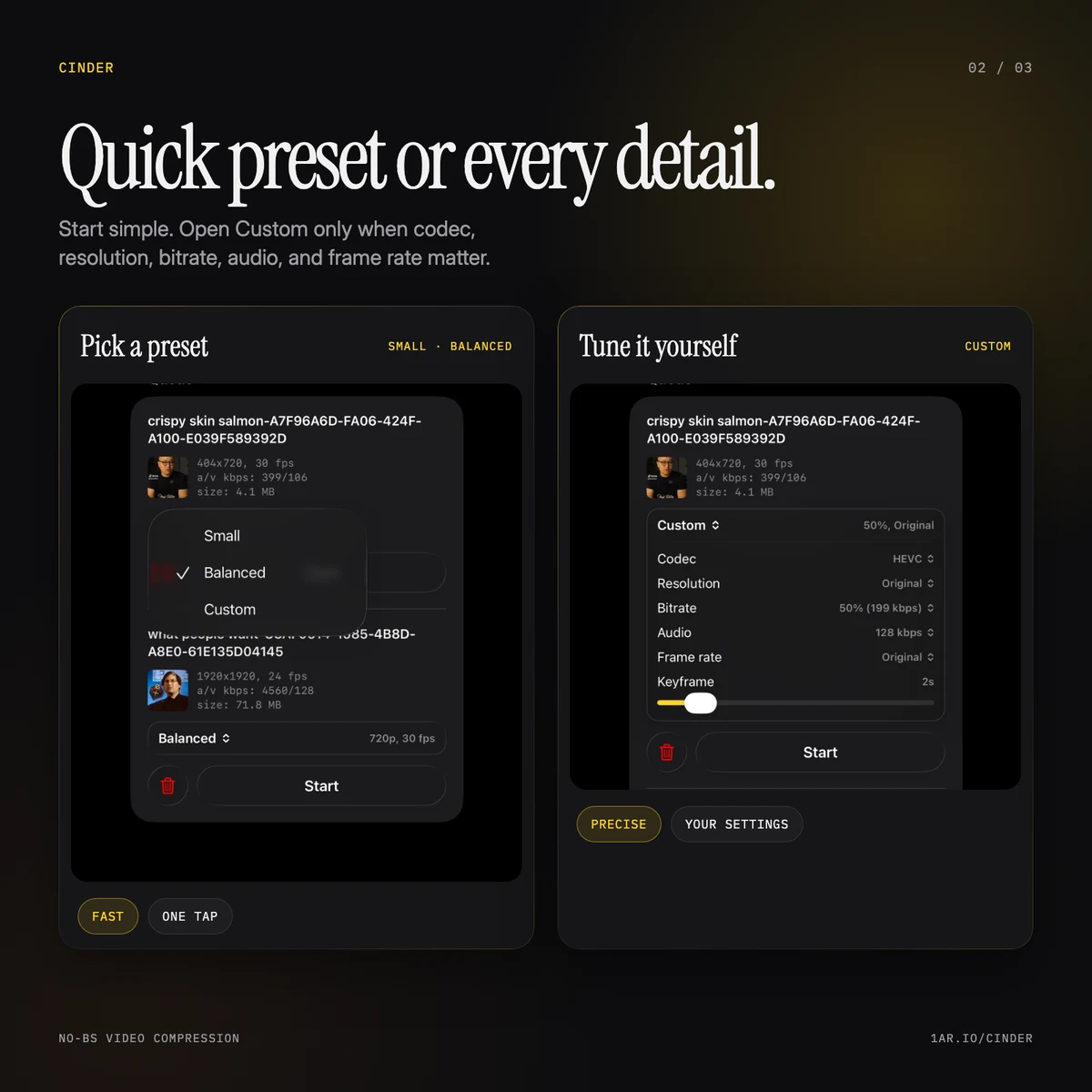
Start with a preset, tune every detail if you want, and queue the whole batch. Cinder stays out of the way.
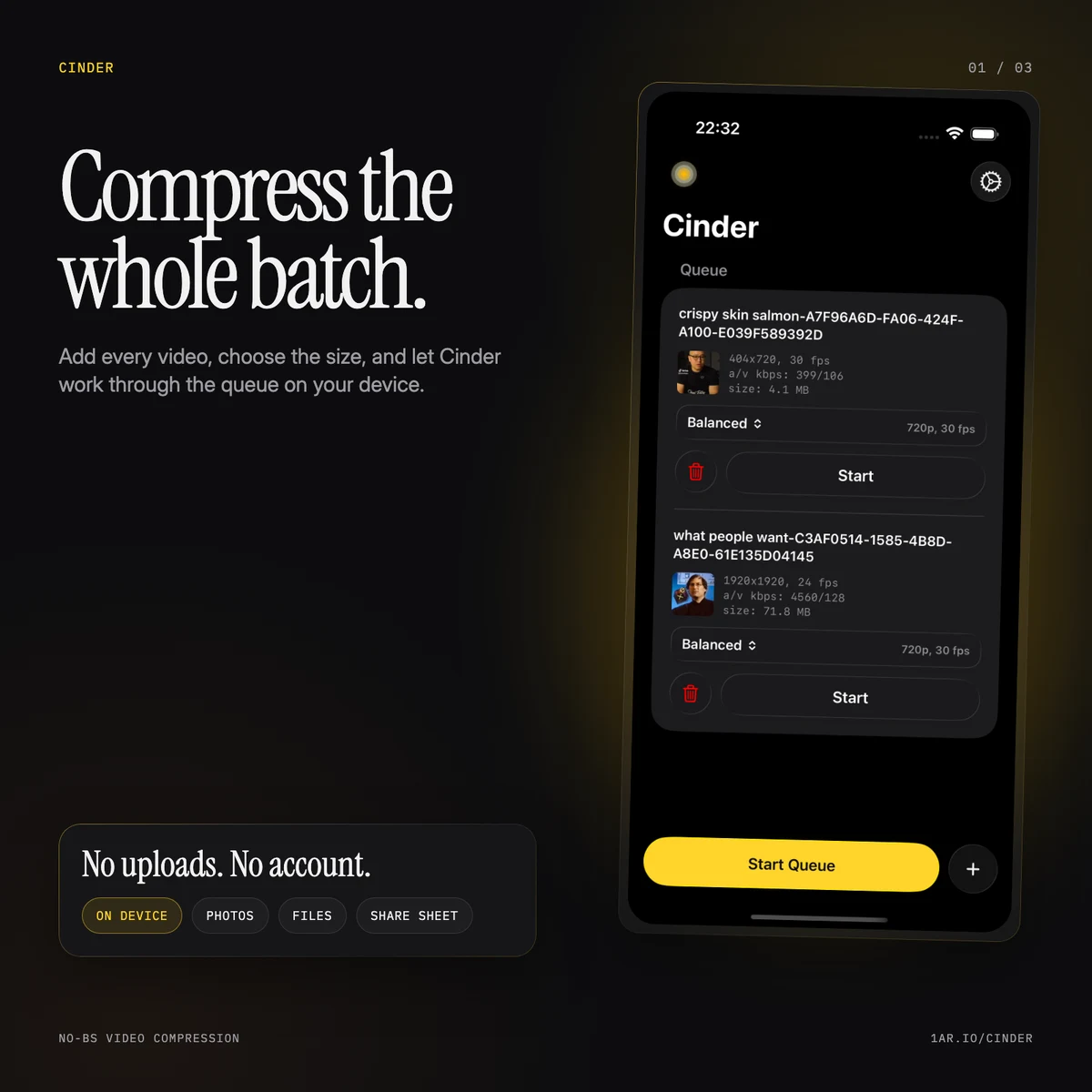
Bring in one video or several. The Share Extension can hand larger jobs to the main app without making you start again.
Use Small or Balanced, or control codec, resolution, bitrate, audio, frame rate, and keyframe interval yourself.
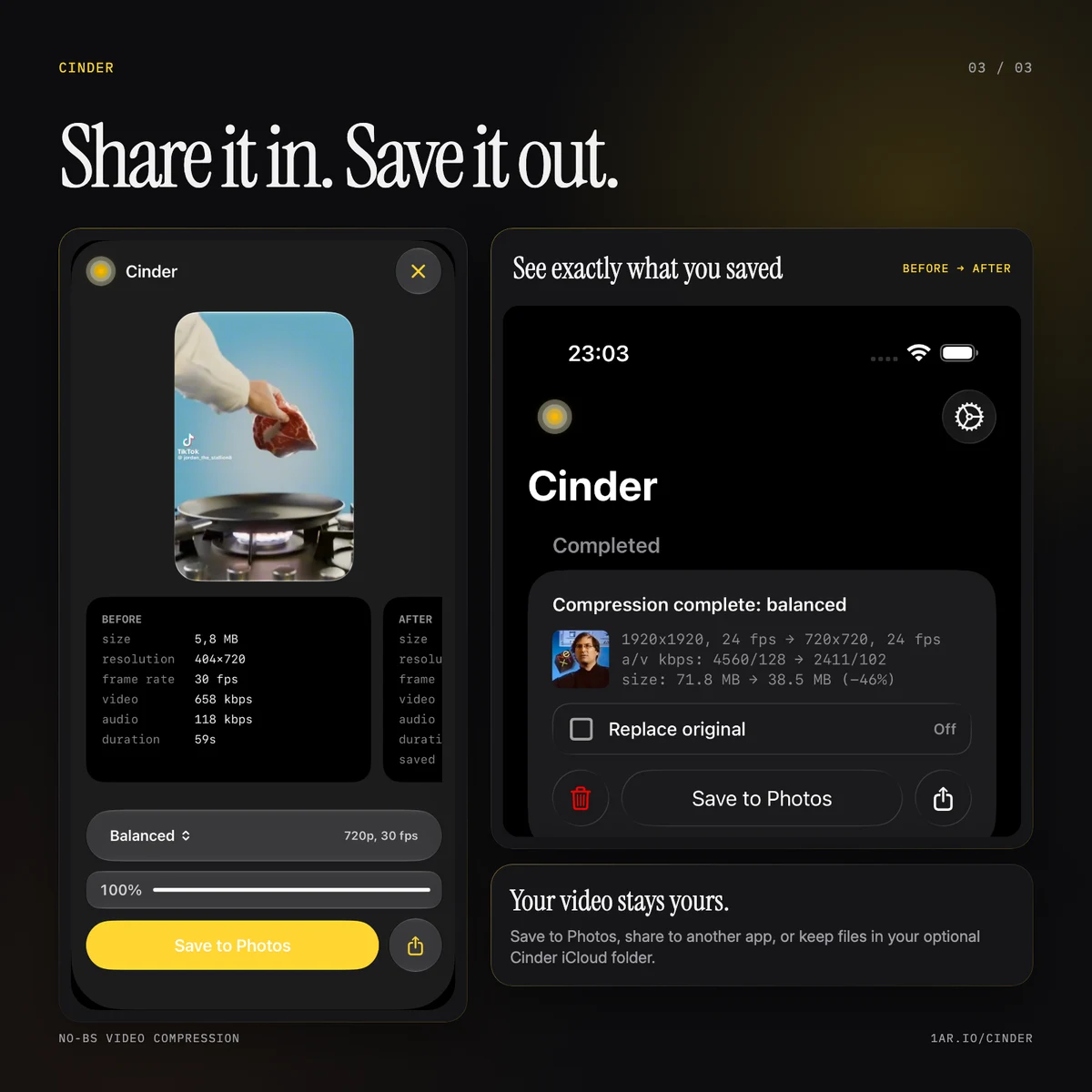
Export to Photos, share to another app, keep files inside Cinder, or use the optional Cinder folder in your iCloud Drive.
Every message lands in the Cinder support inbox. Tell us what you’re working on.