

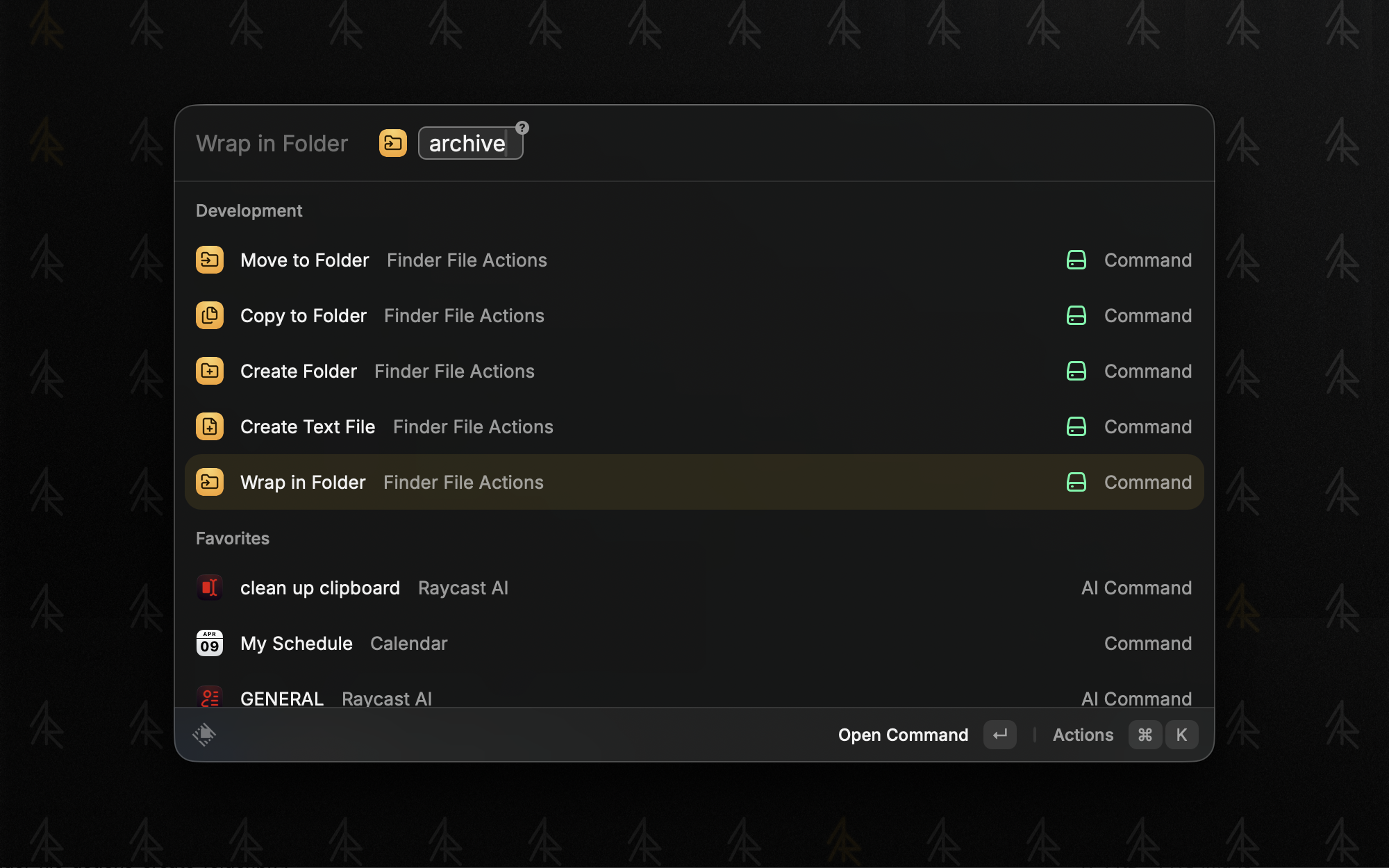
Finder File Actions is a Raycast extension for file operations directly from the keyboard. Move, copy, create folders, wrap selected files into a new folder, or create text files - all without leaving the keyboard.
Commands
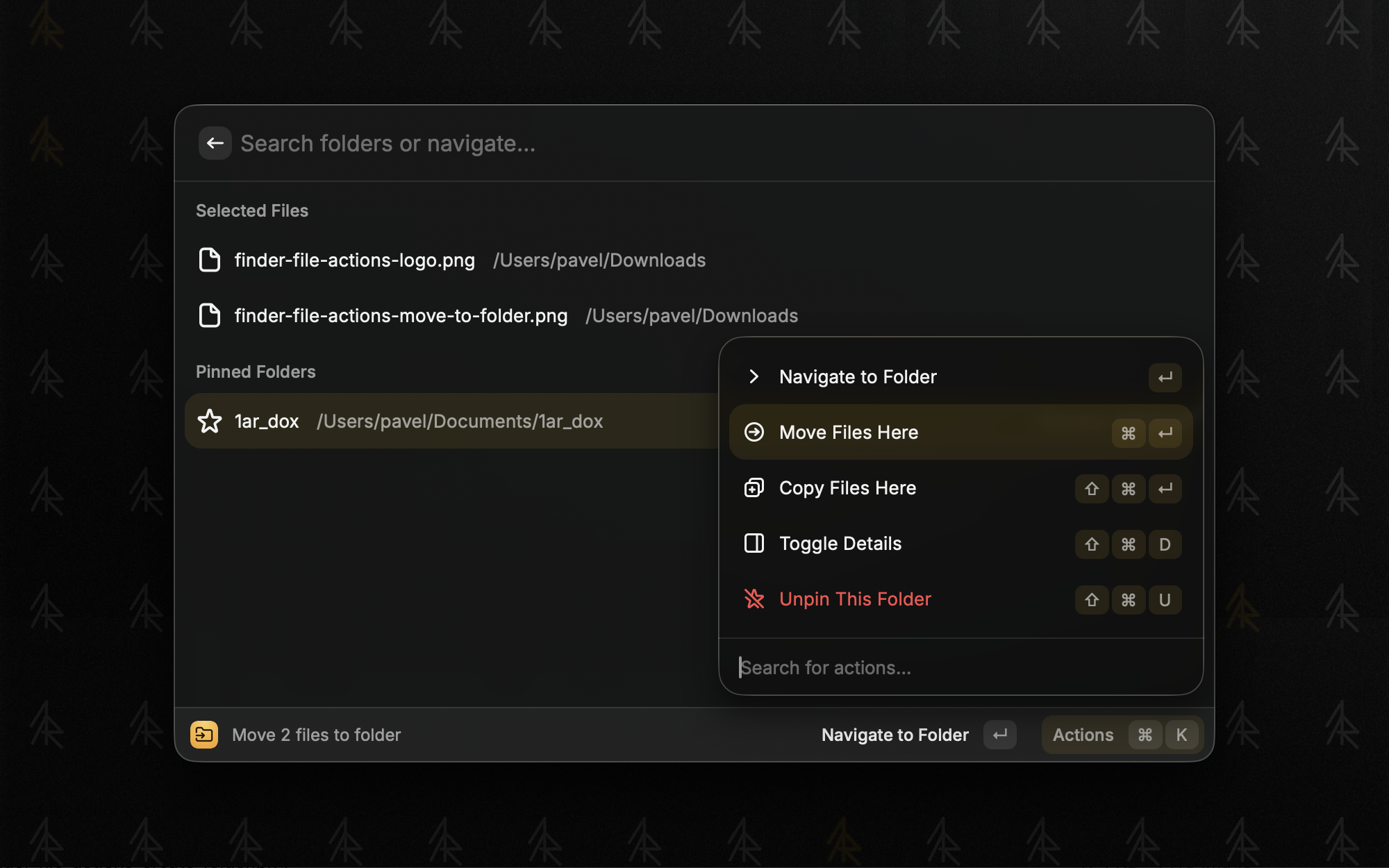
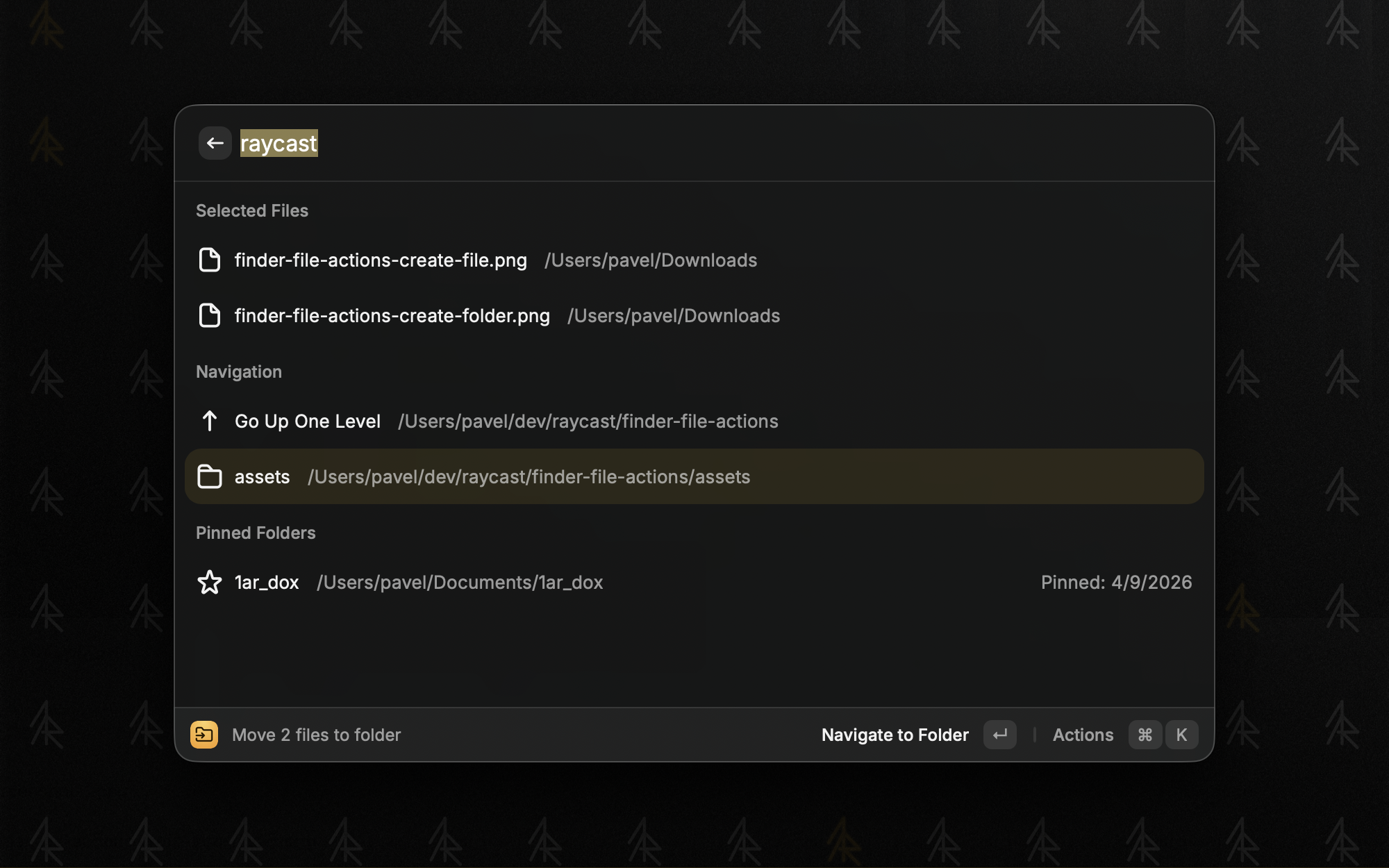
- Move to Folder - move selected Finder files to any folder via Spotlight search, with folder navigation, pinning, and recent folders
- Copy to Folder - same as Move, but copies instead
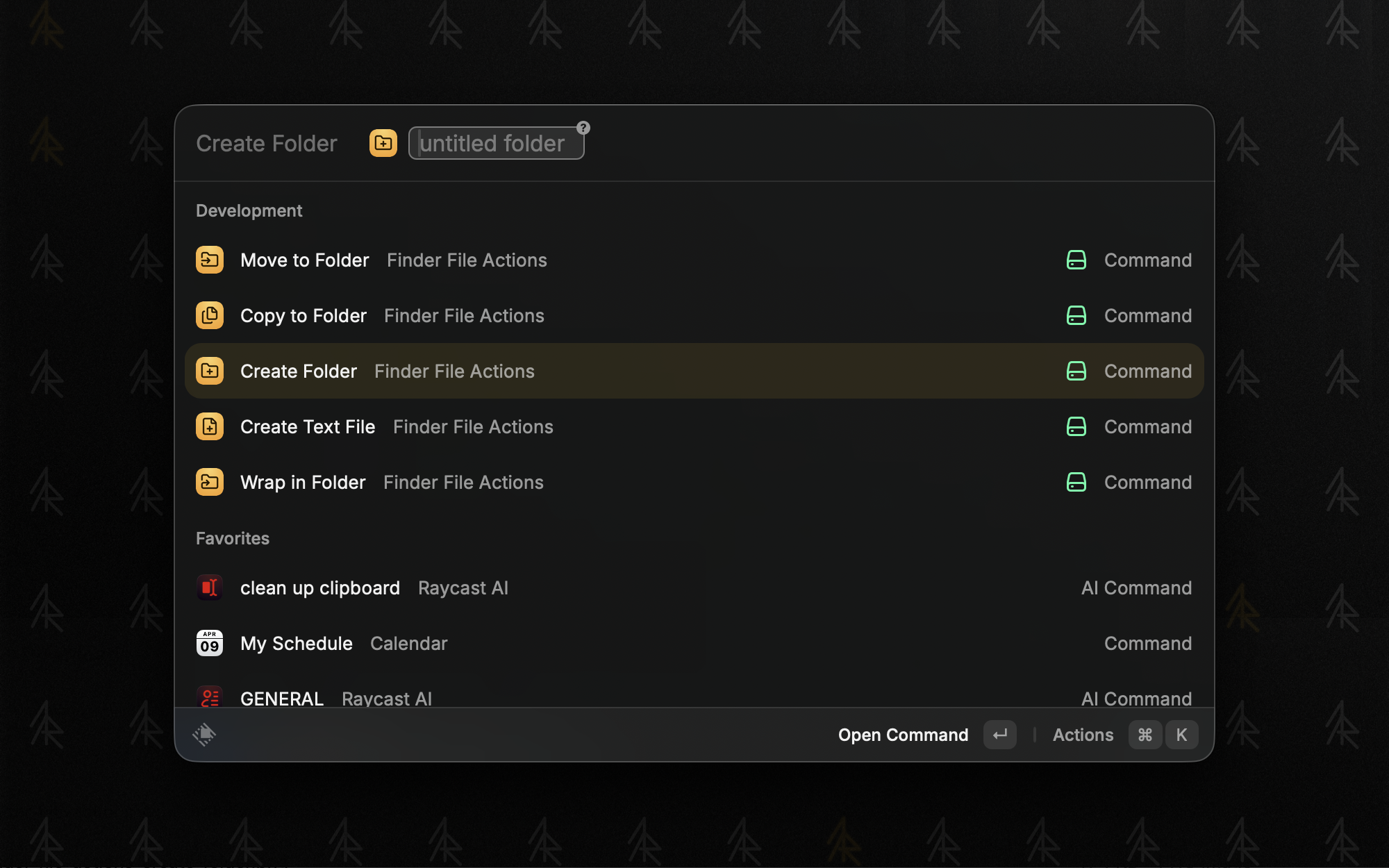
- Create Folder - create a new folder in the current Finder directory
- Wrap in Folder - create a new folder and move selected files into it
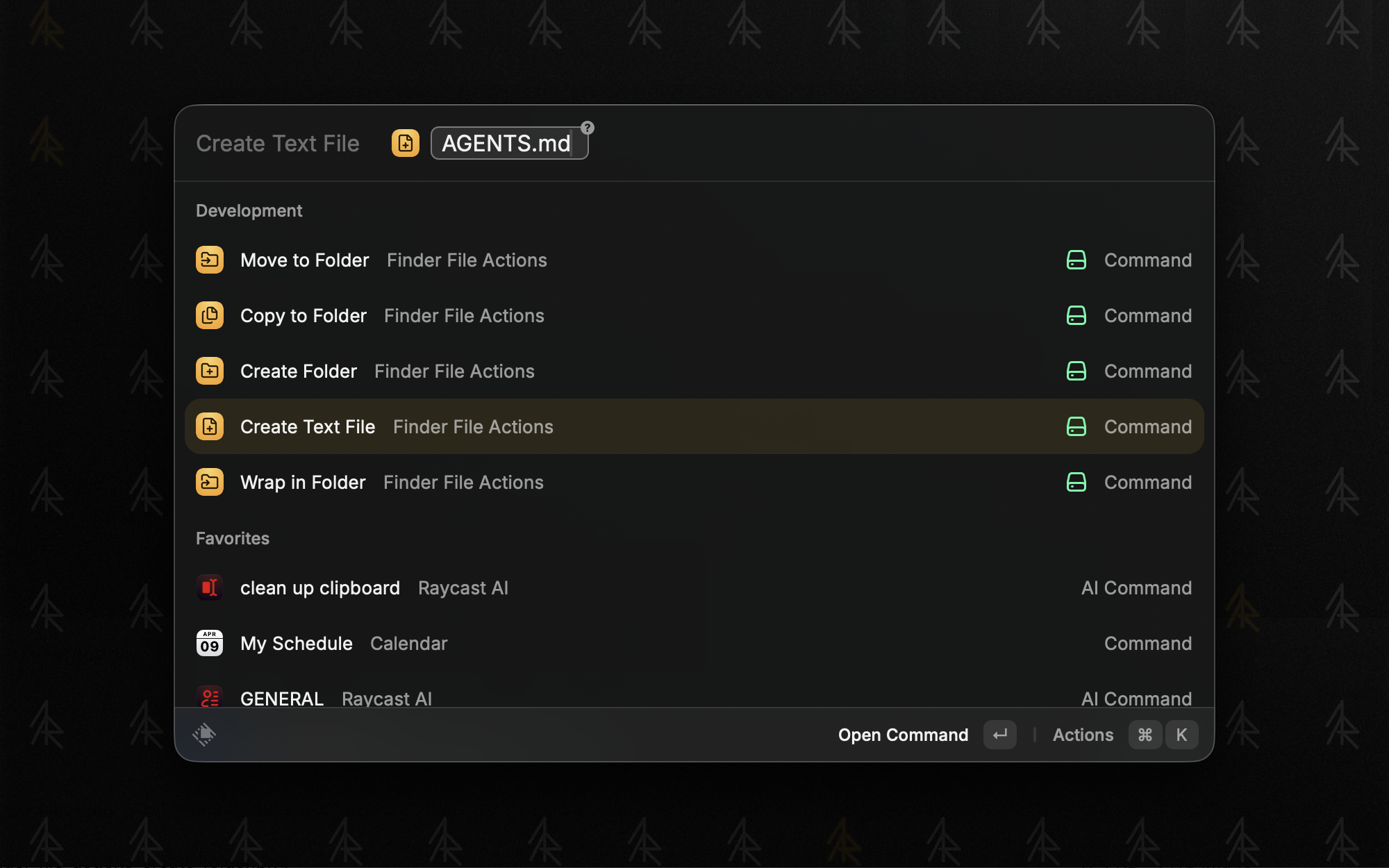
- Create Text File - create a text file with any extension, auto-filled with clipboard content
Features
- Spotlight search: find any folder on your Mac instantly via mdfind
- Folder navigation: browse into subfolders, go up levels
- Pin folders: pin frequently used destinations for quick access
- Recent folders: your last used destinations are remembered
- Batch operations: works with multiple selected files
- Large file support: streaming for files over 10MB with progress tracking
Getting started
- Install from the Raycast Store
- Select files in Finder, invoke a command from Raycast
- Search for a destination folder or navigate to it
- Press Enter to move/copy - done
Open source
Finder File Actions is open source and free on the Raycast Store.