
Sumr
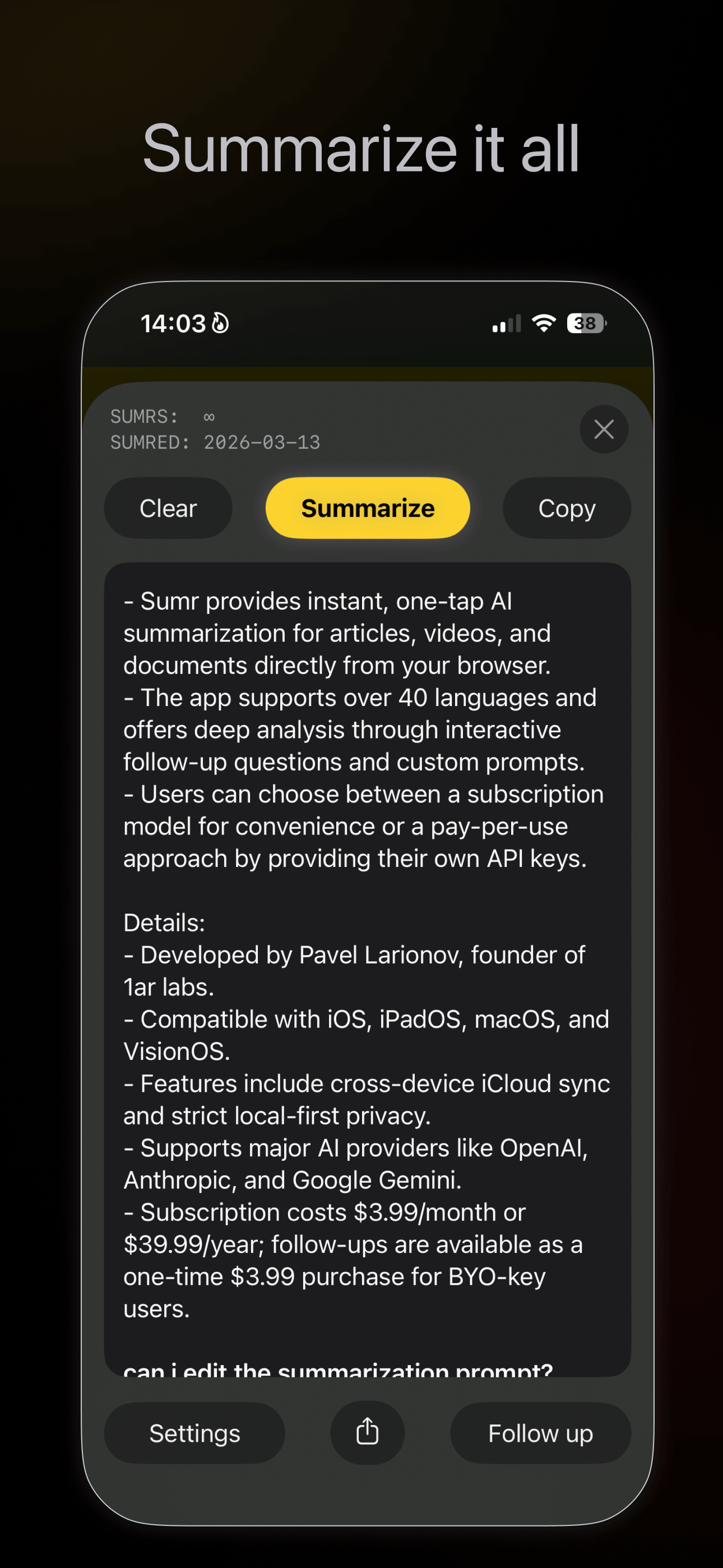
summarize it all
Articles. Videos. Product pages. Job posts. Legal docs.
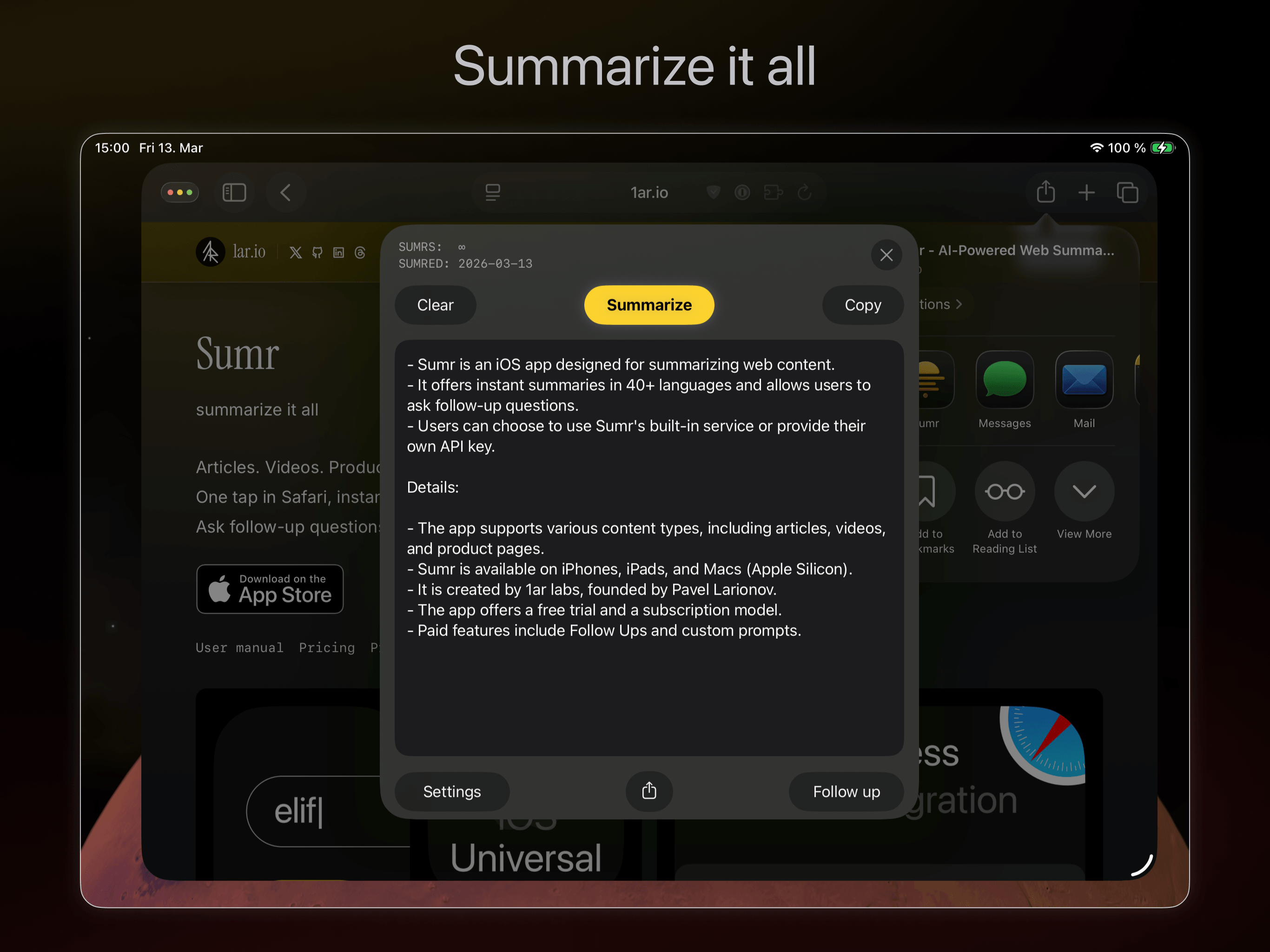
One tap in Safari, instant summary in 40+ languages.
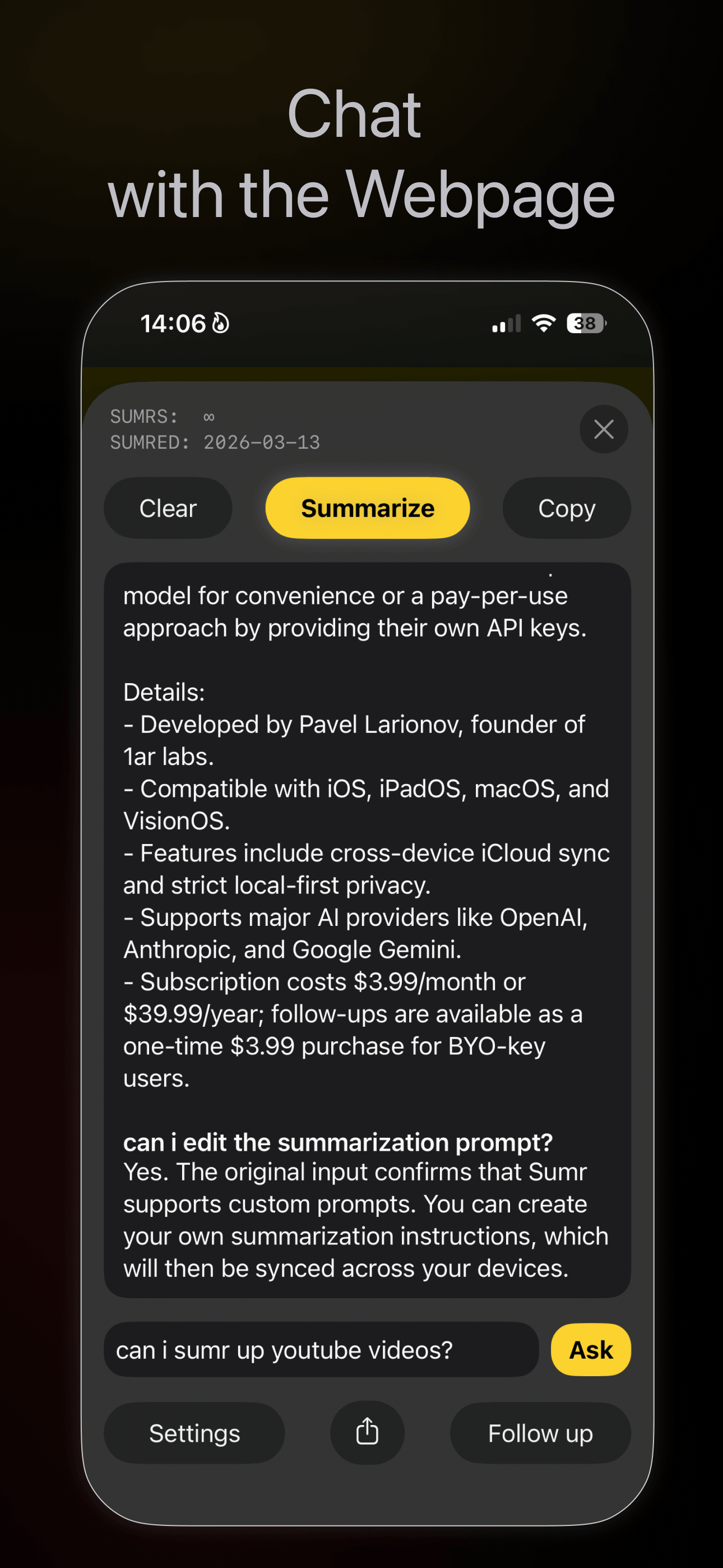
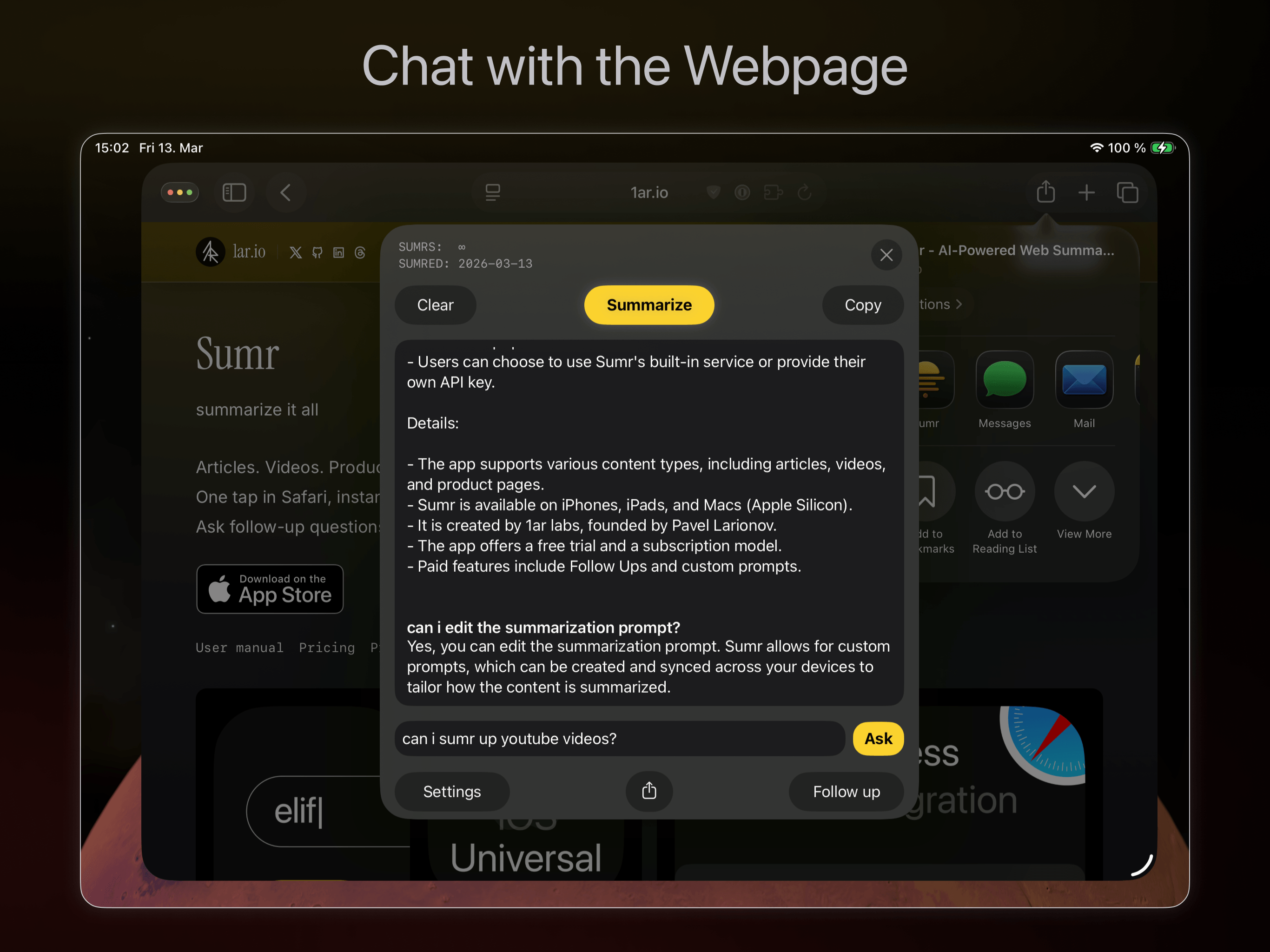
Ask follow-up questions. Bring your own AI provider or use ours.




How it works
- Open any webpage in Safari (or any browser)
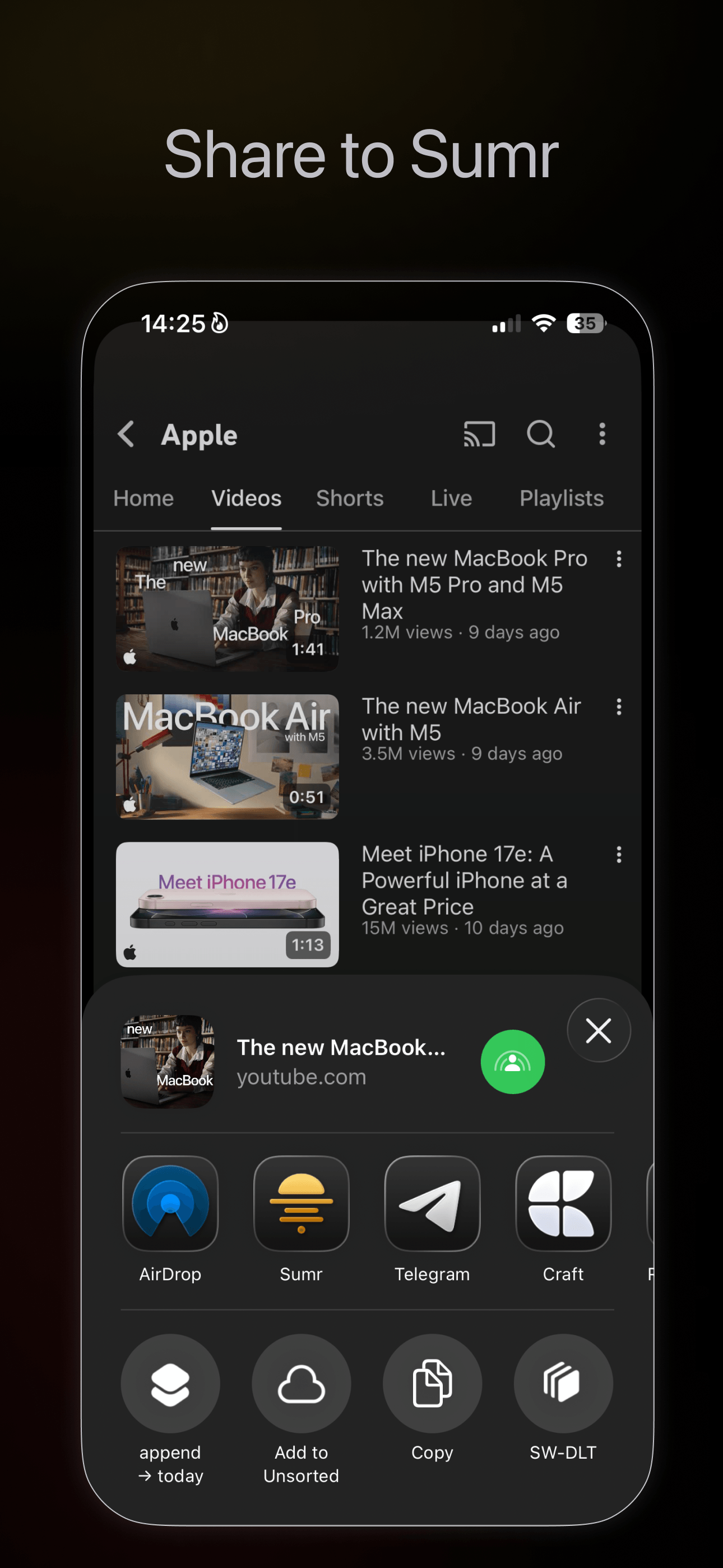
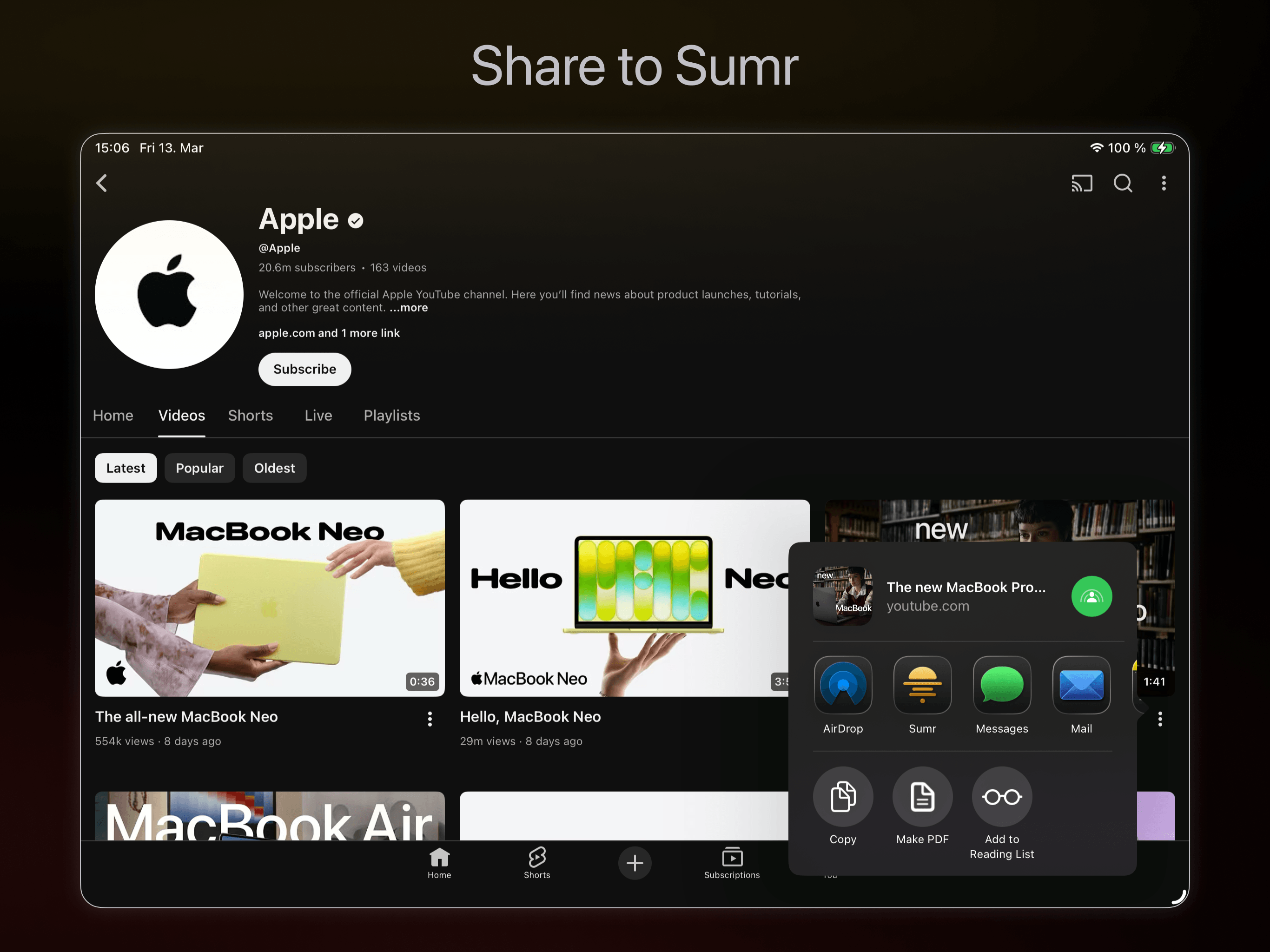
- Tap the Share button
- Select Sumr from the share menu
- Get an instant summary with options to ask follow-up questions
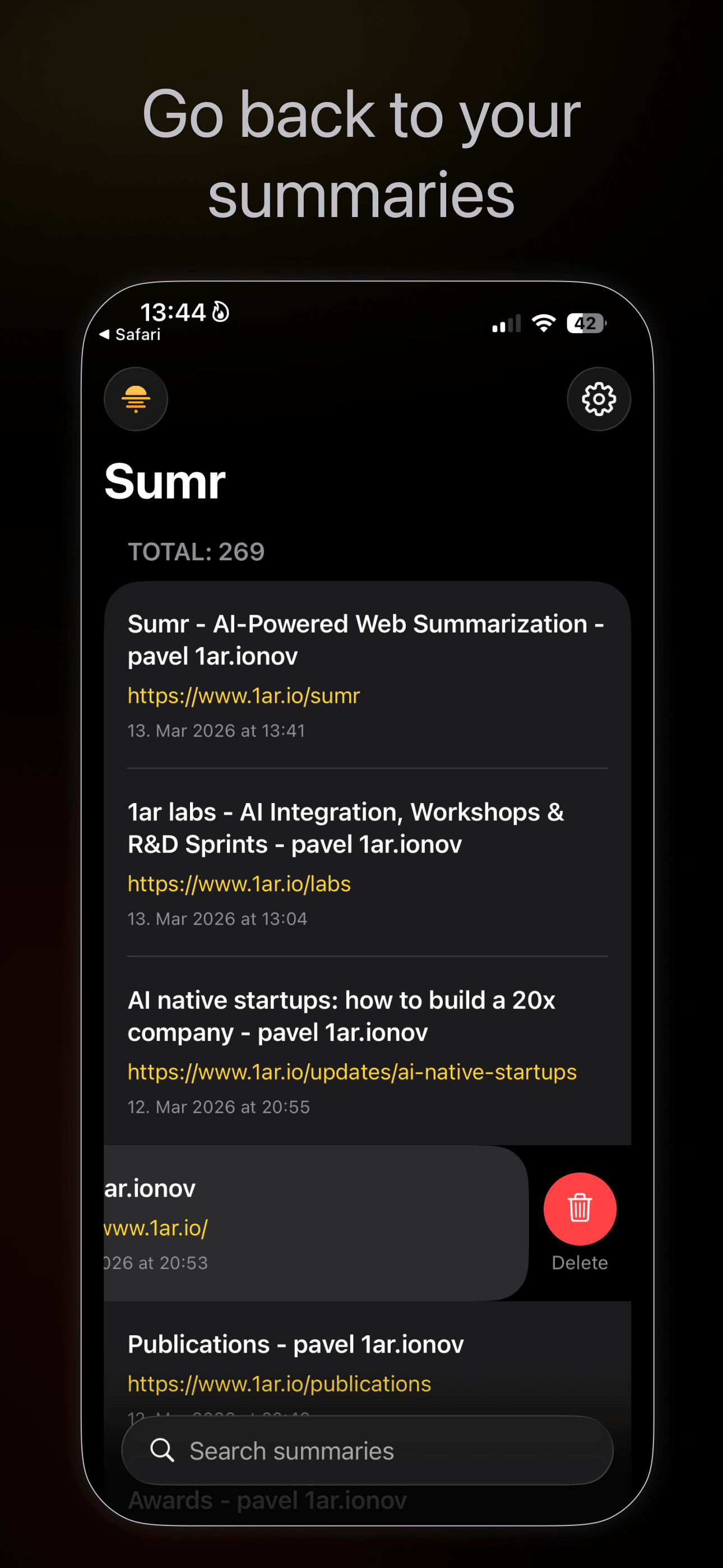
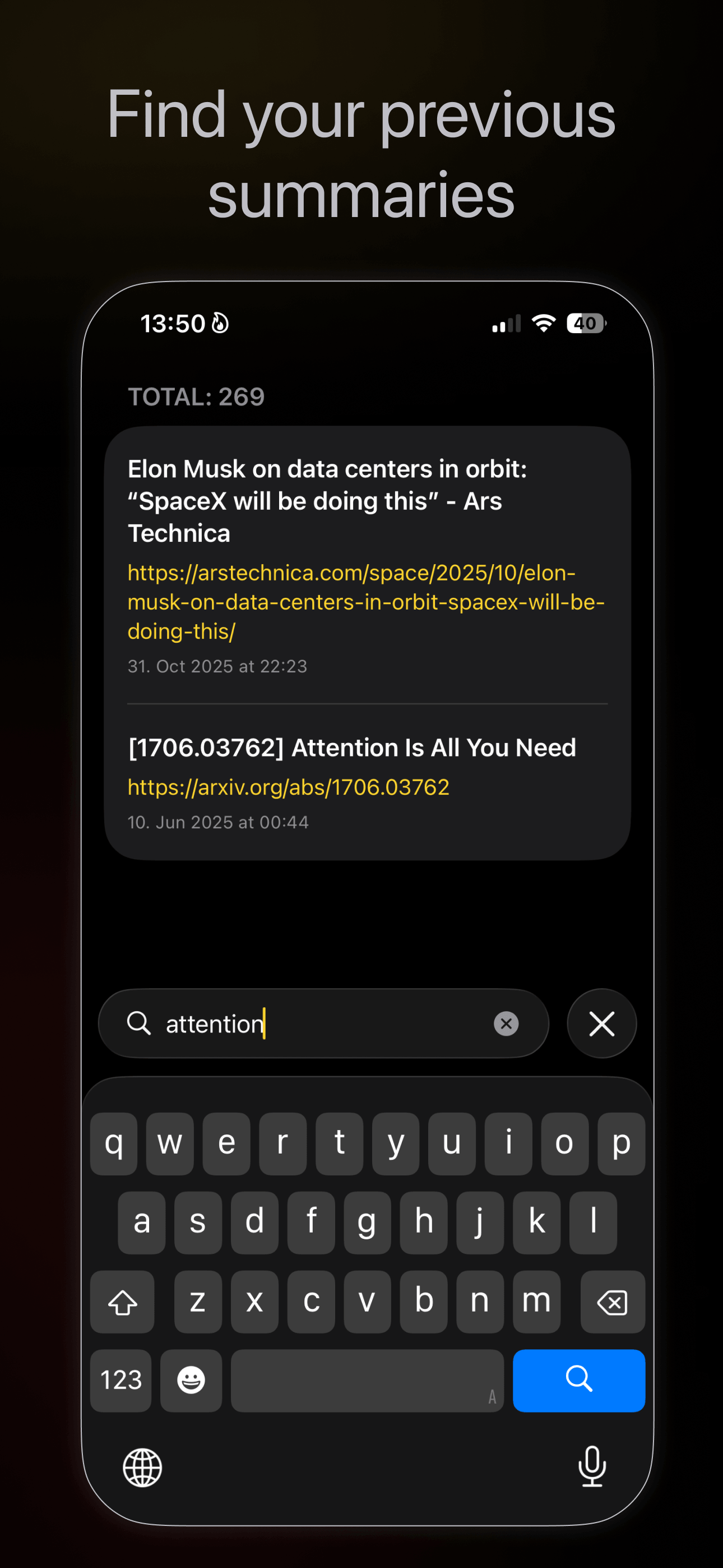
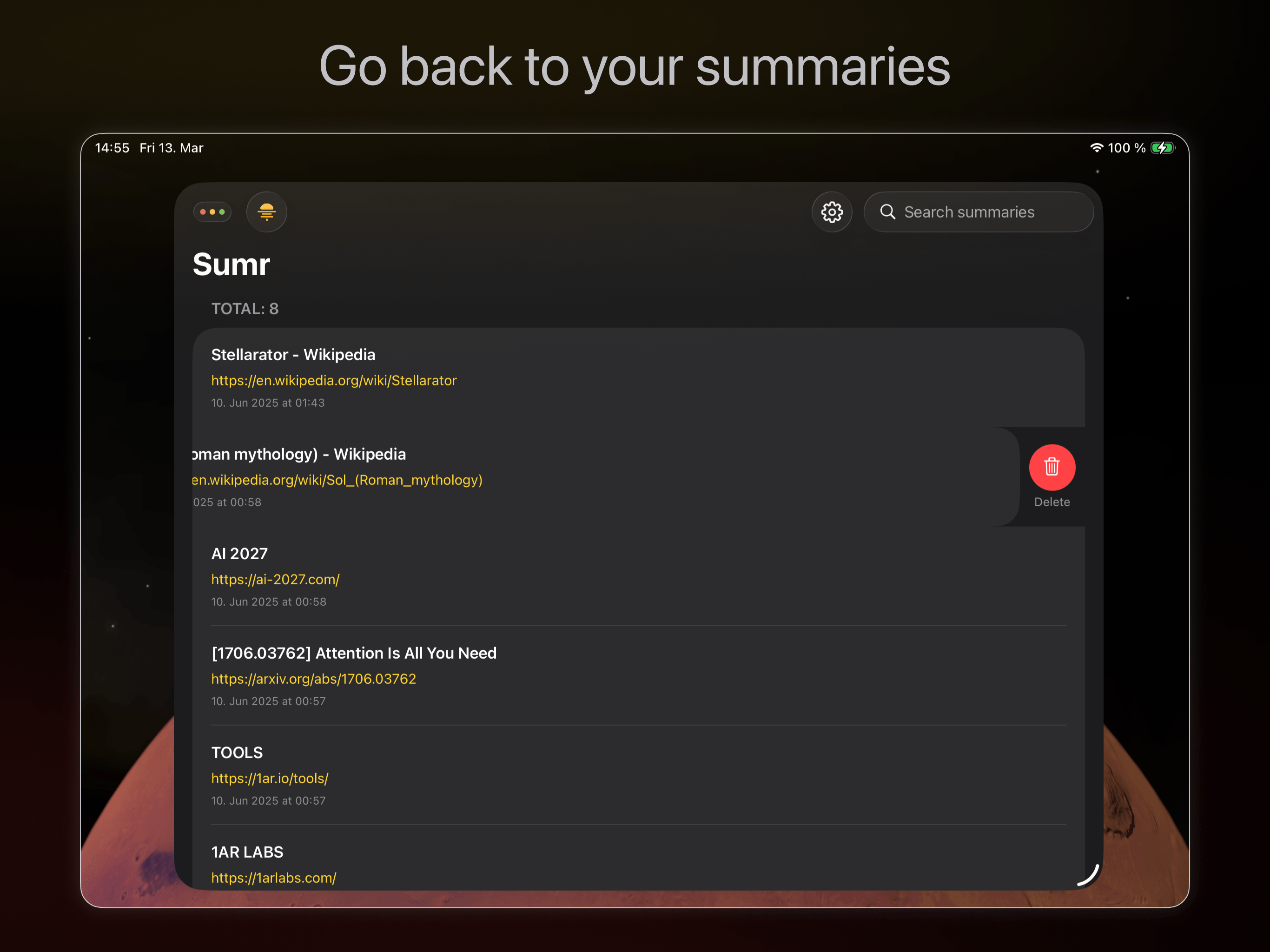
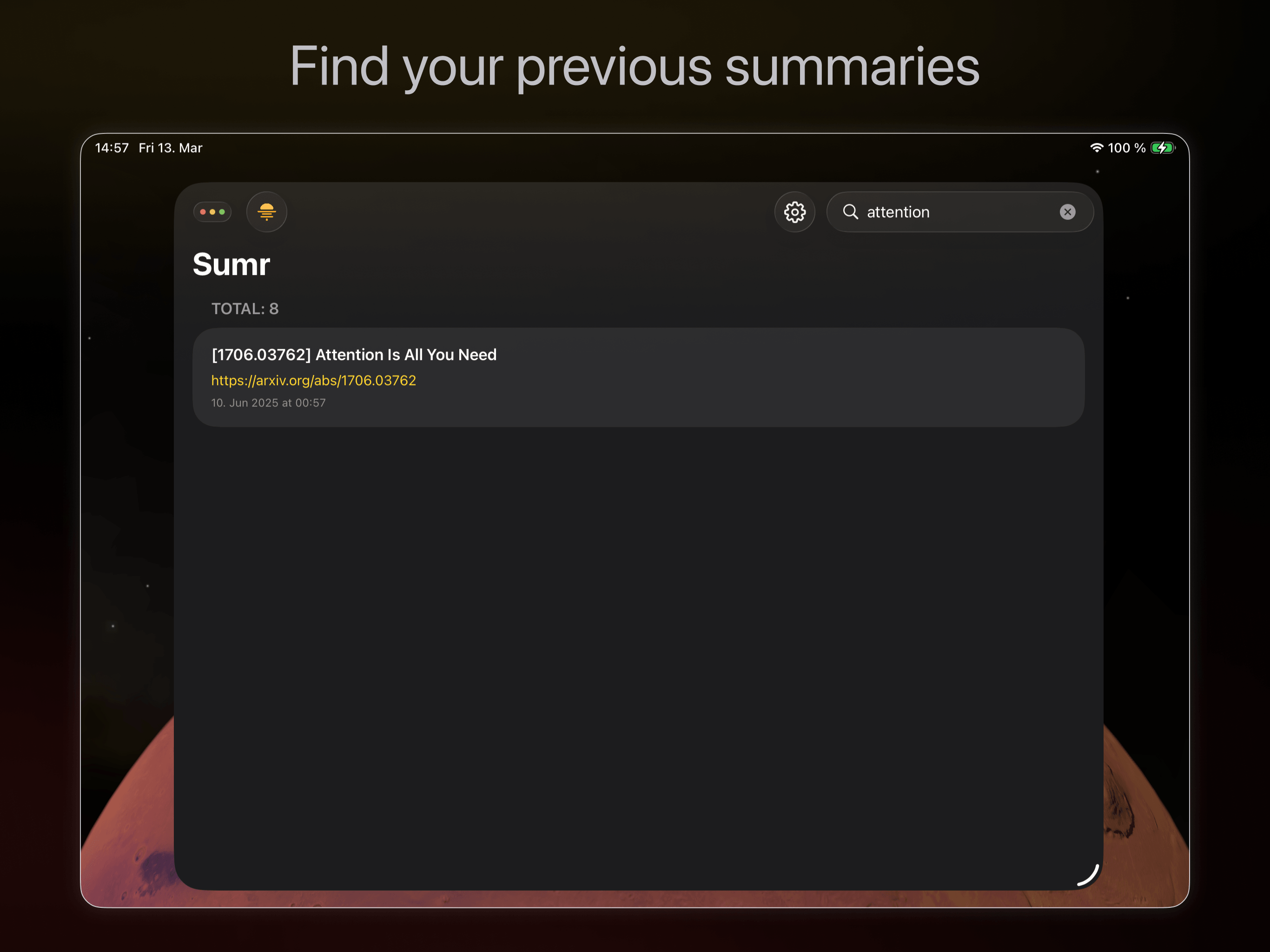
- Share the bullets with source link, or revisit from the main app
What you can do with it
- Long articles you don't have time to read
- Product pages and company profiles
- Job postings and legal pages
- YouTube video transcripts
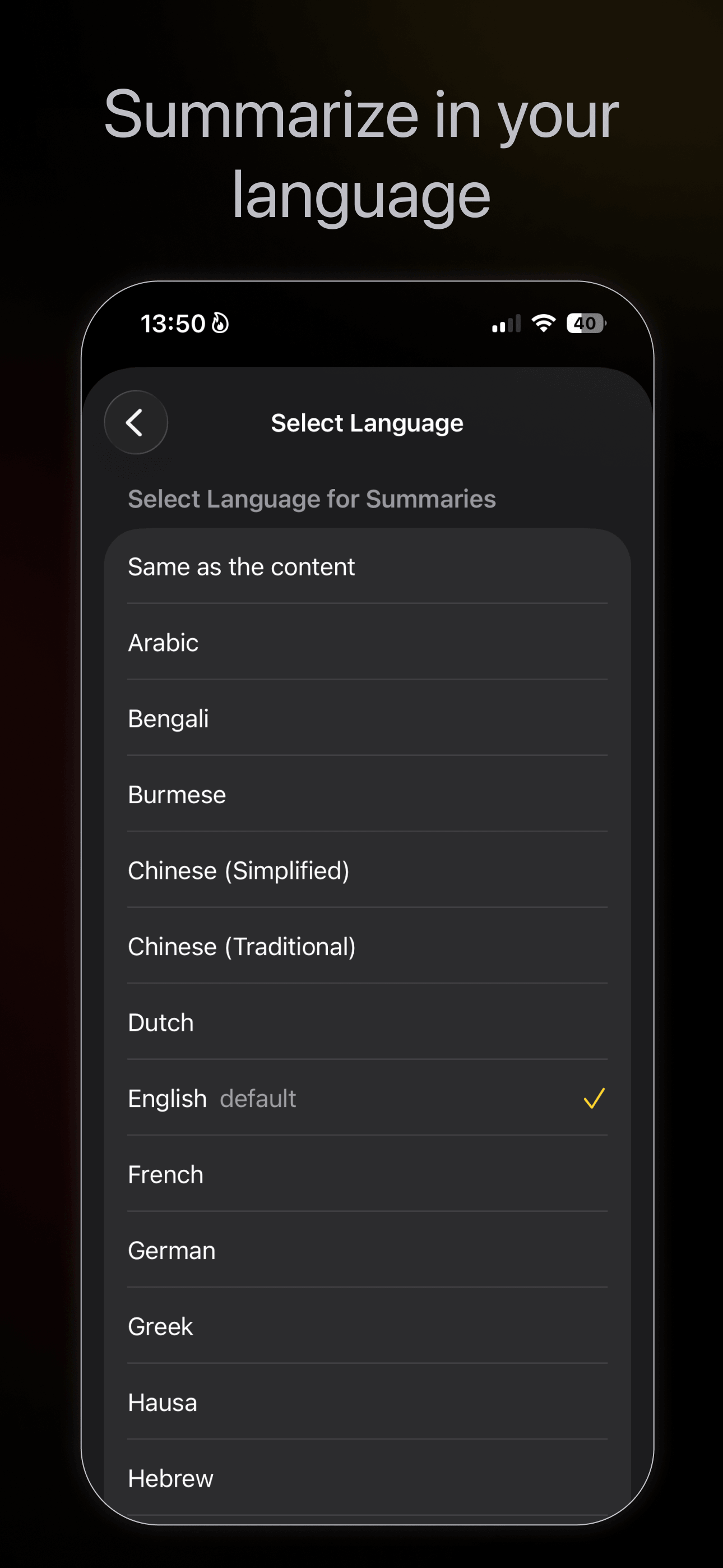
- Foreign-language content (summarize in 40+ languages)
- Web clipping to Notes with source URL
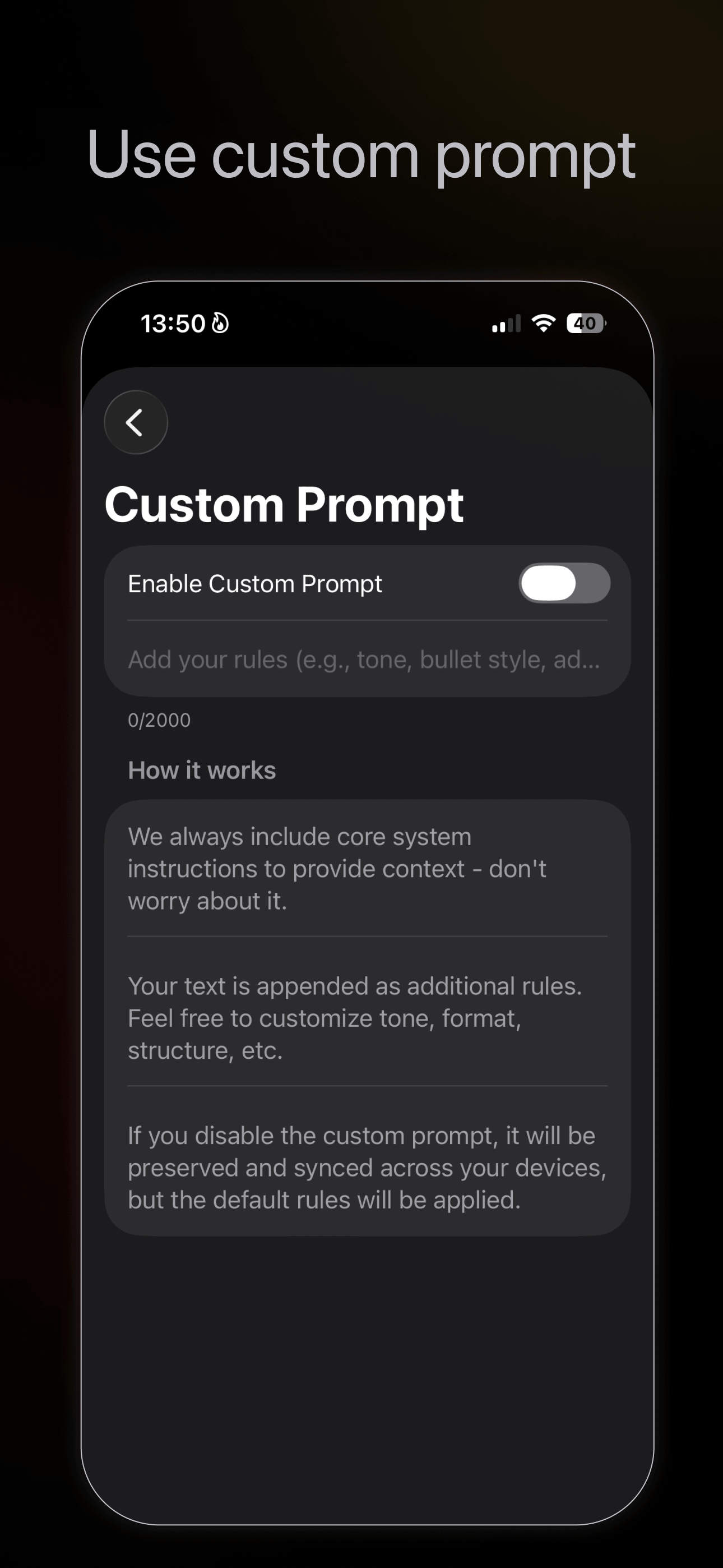
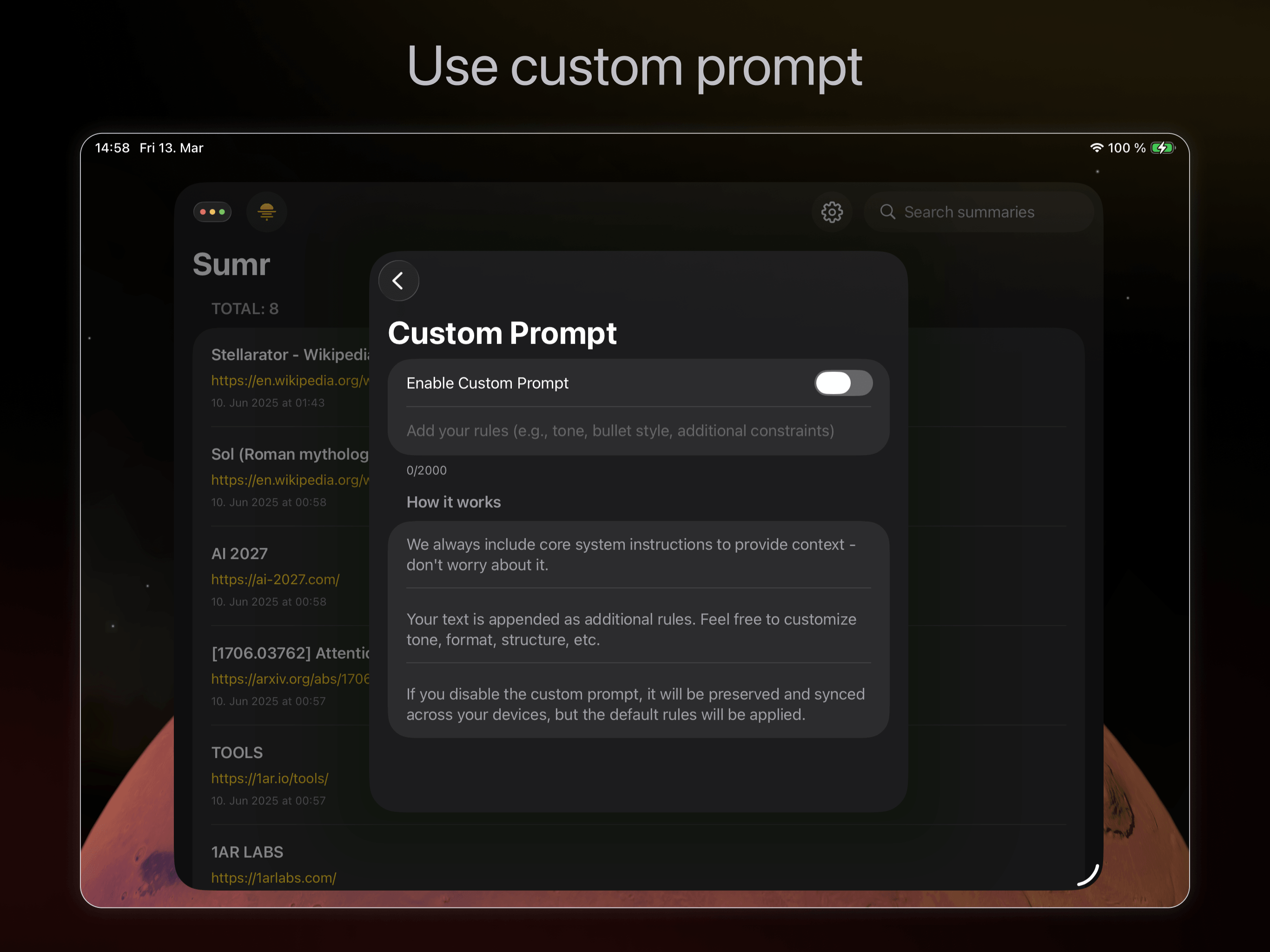
- Reformat content with follow-ups and custom prompts
Features
Core
- Share to Sumr: Works from Safari and other apps via the Share menu
- One-tap summarization: Instant AI summaries without leaving your browser
- YouTube support: Share a YouTube URL, get a summary in seconds
- Follow-up questions: Ask questions about the page you just summarized. Dig deeper without leaving Sumr
- Custom prompts: Create your own summarization instructions, synced across devices
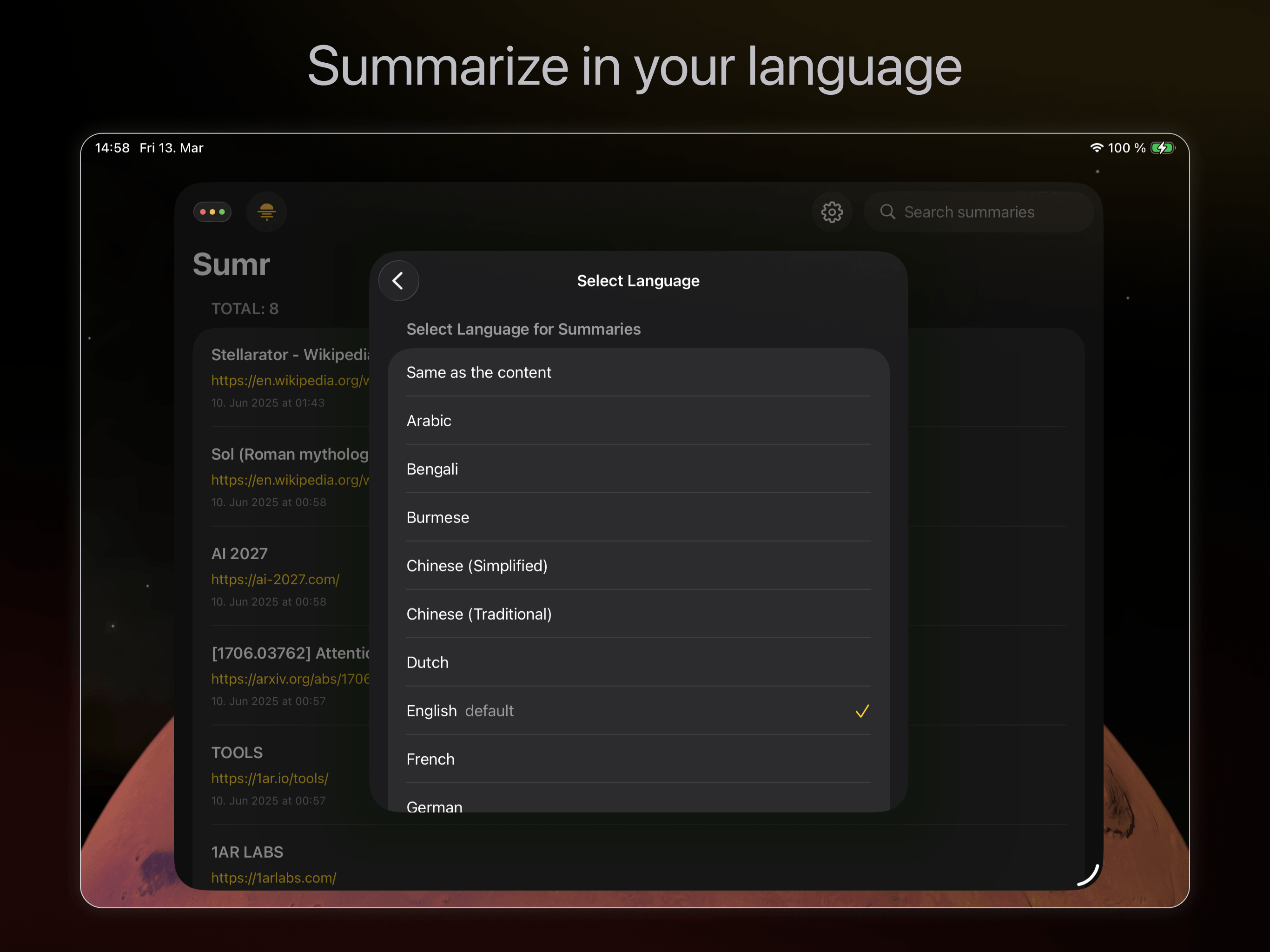
- 40+ languages: Summarize in a different language than the source, or keep the original
- Smart storage: Summaries saved locally, revisit pages without re-processing
- Cross-device sync: Your summaries on iPhone, iPad, Mac, and Vision Pro via iCloud
Privacy
- No tracking: We don't store your browsing data or summaries
- Local control: All summaries stored on your device. Clear button removes everything
- Selective access: Sumr only reads a page when you tap Summarize. You control which sites it can access
Power user tools
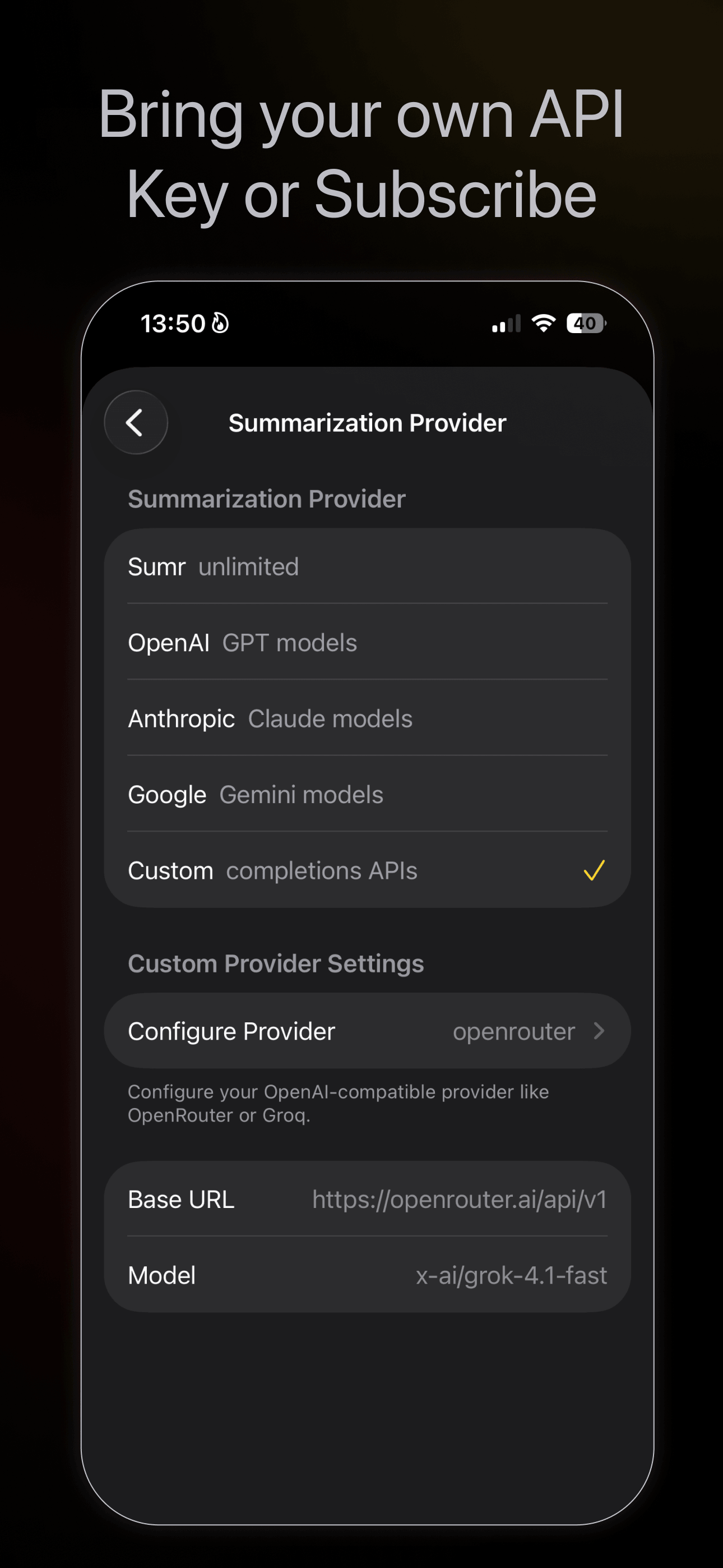
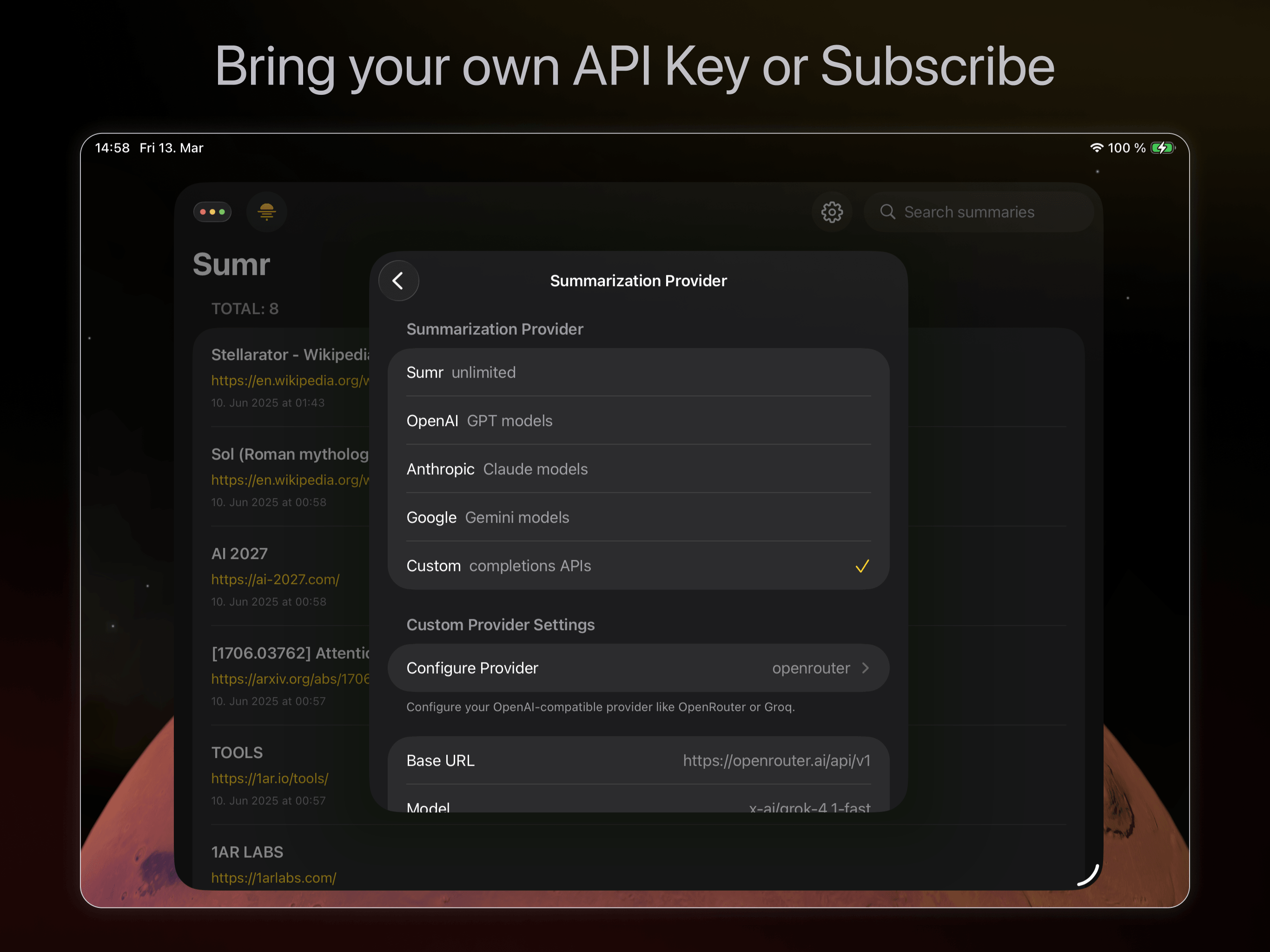
- 5 AI providers: Use Sumr's built-in service, or bring your own API key from OpenAI, Anthropic, Google Gemini, or any OpenAI-compatible endpoint (OpenRouter, Groq, etc.)
- Model selection: Choose between different AI models per provider
- Copy & share: Export summaries with source URLs
- Family Sharing: Both subscription and Follow Ups are shareable with your family
Platform support
Works on iOS, iPadOS, macOS, and VisionOS.
Pricing
Free trial included. Every new user gets free summaries to try Sumr. No subscription or API key needed to start.
Two ways to use Sumr
Bring Your Own API Key
- Pay only for what you use (~$0.0005 per 1000-word article)
- Supports OpenAI, Anthropic, Google Gemini, and any OpenAI-compatible endpoint
- Full control over your usage and provider choice
- Follow-up questions + custom prompts: one-time purchase of $2.99
Subscribe
- $2.99/month or $24.99/year
- No API key needed, we handle everything
- Follow-ups and custom prompts included
- Supports ongoing development

Made by Pavel Larionov.